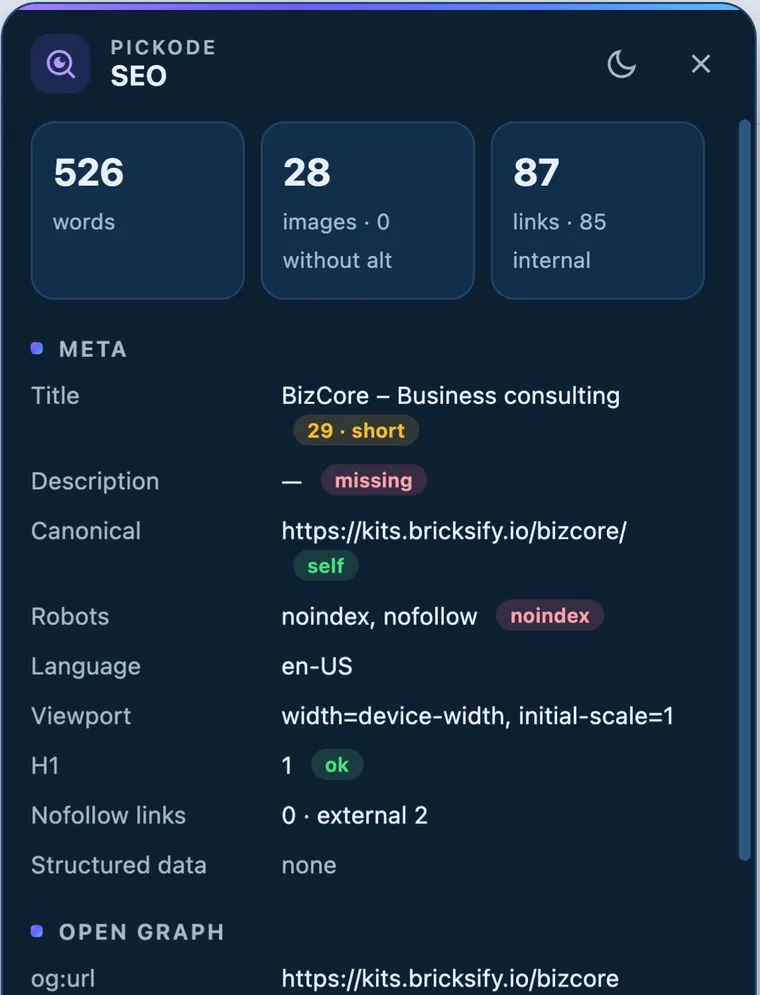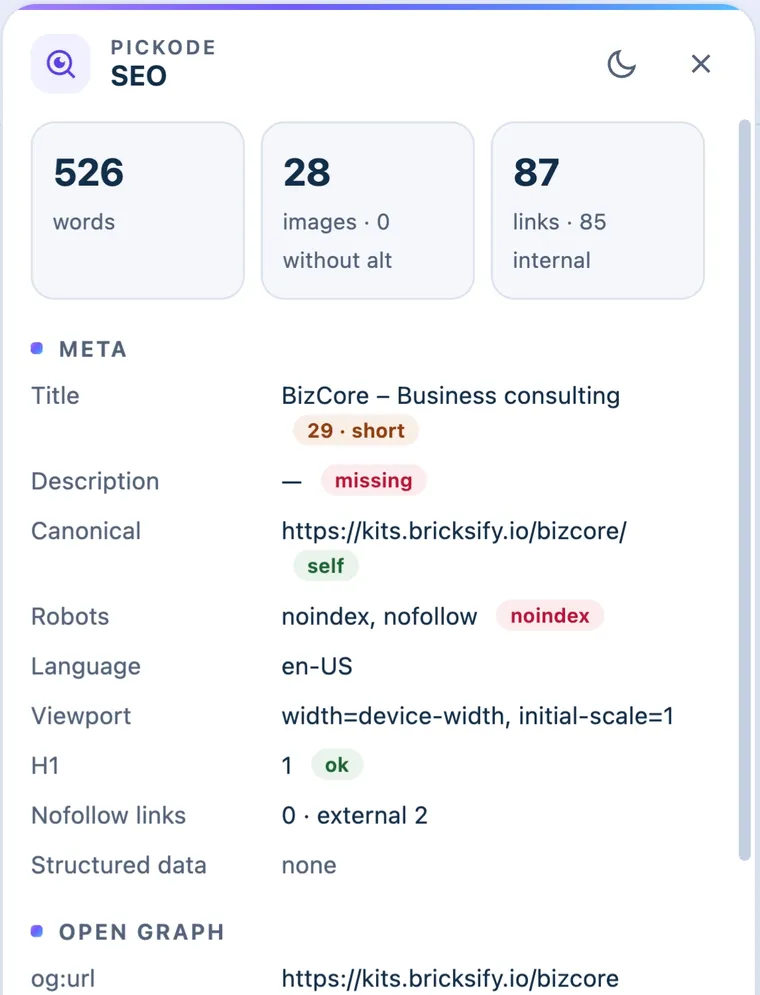
Send a report your client understands.
One HTML file with a screenshot, scores, prioritized fixes, SEO, speed, accessibility and technologies. Your header and colors, in English or Italian, printable to PDF.
Example layout
Pick a section on any page and export it as React, Tailwind, Vue, Astro, Bricks or Elementor — with only the CSS its author wrote. Then audit the site and send your client a report.
Free forever. 7-day Pro trial, no card.
Chrome, Edge, Brave, Opera, Arc, Comet and Firefox
Built for web designers, front-end developers, freelancers and agencies — especially if you work with WordPress, Bricks and Elementor.
Product tour
Inspector, export, colors, assets, performance and accessibility on a real site, from the first click to the client report.
Music only, no voice-over.
Why the code is short
DevTools: computed styles
32 lines+Every property resolved to pixels, media queries gone.
Pickode: authored CSS
11 lines.card {
display: grid; gap: 16px;
padding: 24px; border-radius: 20px;
background: var(--paper);
transition: transform .4s;
}
.card:hover { transform: translateY(-4px); }
.card:hover .card__title { color: var(--ink); }
@media (min-width: 768px) {
.card { grid-template-columns: 1fr 1fr; }
}The real values, breakpoints, hover states and variables.
How it works
Open Pickode on any page (Alt+I) and pick a section with the inspector.
Choose React, Tailwind, Vue, Astro, Bricks or Elementor. Only the CSS the author wrote.
Press ⌘V in Bricks or import the template in Elementor: you get native, editable elements — headings, text, images, buttons, icons — with styles in each builder's own controls. Or drop the code into your project or your AI.
Text takes the fonts of the site you paste into. Elementor needs Flexbox Containers (on by default).
Real recording of Pickode on a demo site, split into the three steps.
Analyze and report
WordPress, speed, accessibility and AI search in one pass — then a report your client understands.
One HTML file with a screenshot, scores, prioritized fixes, SEO, speed, accessibility and technologies. Your header and colors, in English or Italian, printable to PDF.
Example layout
Checks what ChatGPT, Claude and Perplexity can read: robots.txt rules per AI crawler, llms.txt, sitemap, structured data and server-rendered text. Generates robots.txt rules and an llms.txt draft.
The score is a guide, not a promise of citations.
WP version, theme and child theme, plugins with versions, builder (Bricks, Elementor, Divi, Oxygen, Breakdance, Gutenberg), WooCommerce page type, checkout type, products and currency, cache headers, REST namespaces, basic security checks.
Learn more: WordPress & WooCommerce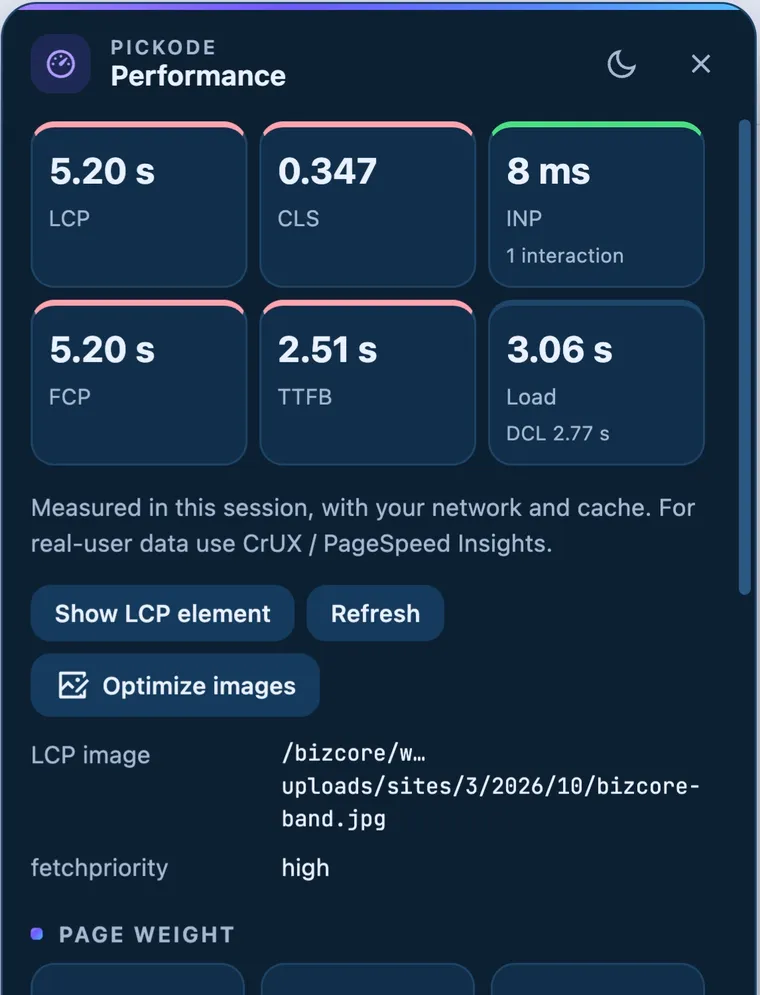
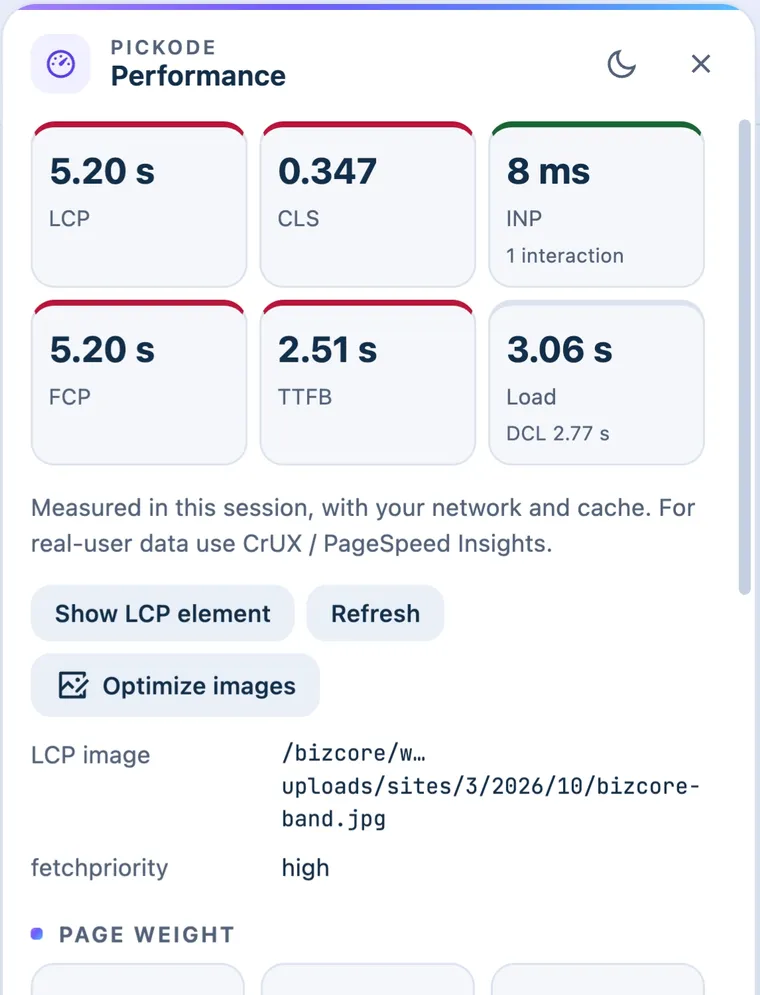
LCP, CLS, INP, FCP, TTFB, LCP element and fetchpriority, weight by type, render-blocking resources, oversized/legacy/non-lazy images, third parties, long tasks.
Learn more: Performance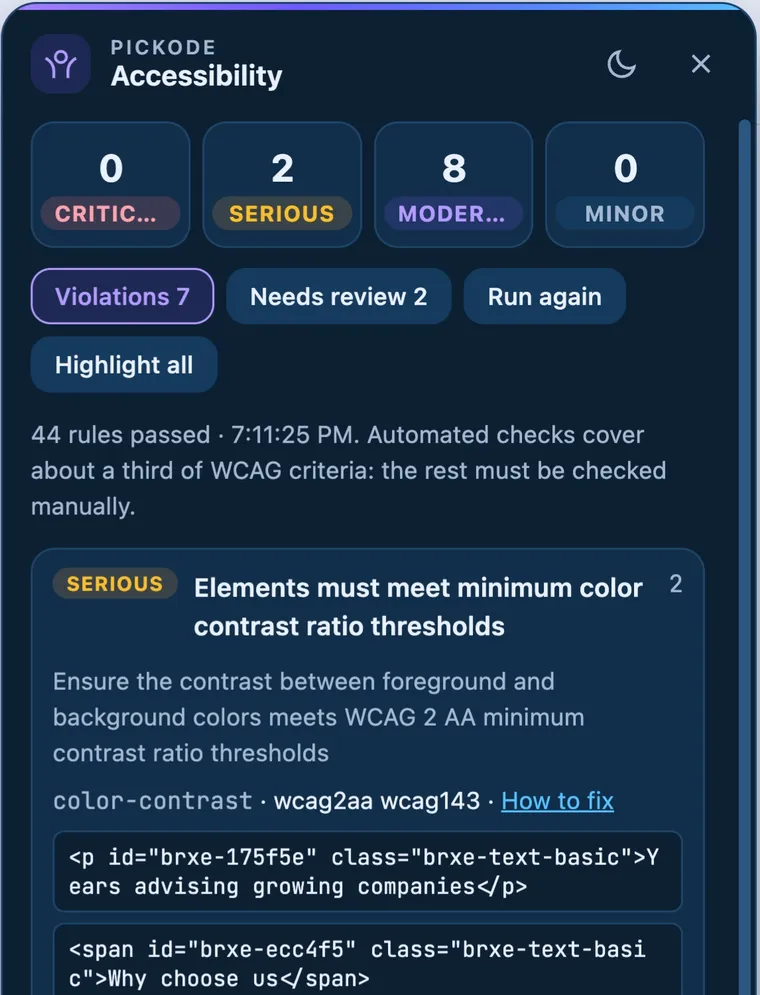
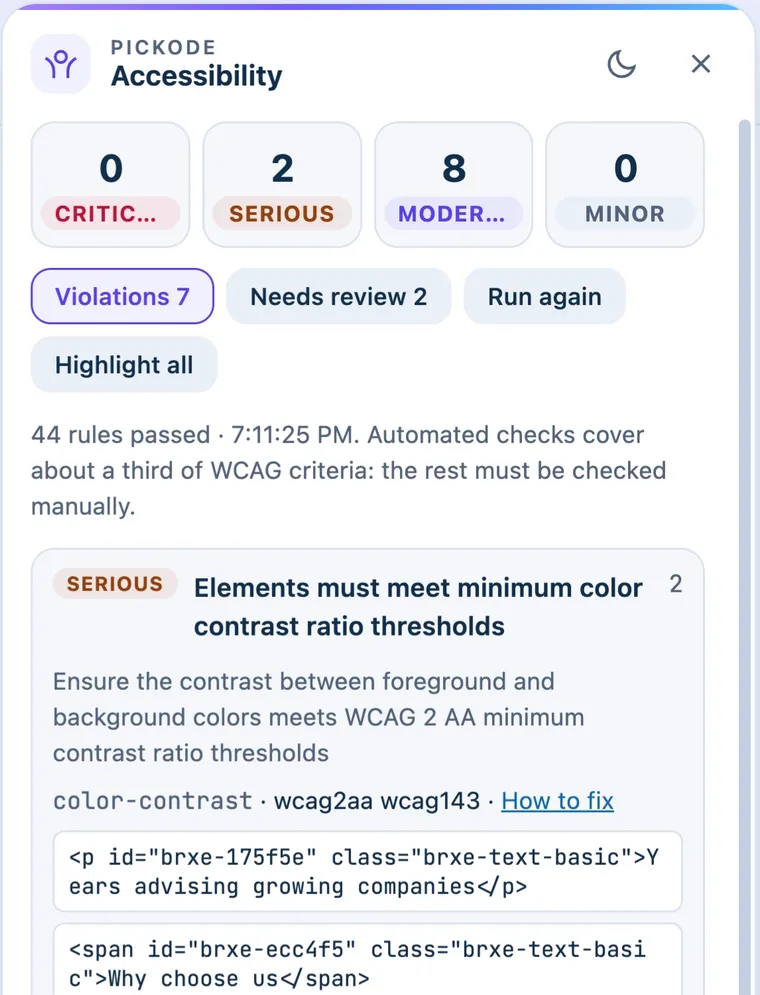
axe-core WCAG 2.2 AA audit with highlighted nodes, plus a contrast map that marks every failing text on the page and suggests the nearest passing color.
Learn more: AccessibilityCopy for AI
One click copies a brief for Claude, ChatGPT, Cursor or v0: the component's code, its structure, breakpoints and states, the site's design tokens and the assets it uses. Only facts found on the page — no made-up style rules.
# Rebuild this section
Recreate it in React + Tailwind. Keep breakpoints and states.

## Section
Type: pricing card (estimated)

## Layout
- grid, 3 columns → 1 column below 768px

## States
- `:hover`, `:focus-visible`

## Design tokens
- `--color-primary`: #715aff
- `--radius-card`: 16px

## Code
```jsx
Paste it intoClaudeChatGPTCursorv0
Design tokens
Export asCSS variablesTailwind v4 @themetailwind.config.jsglobals.css (shadcn)WordPress theme.jsonJSON
Learn more: Design tokensEverything else you reach for
The small tools you open every day, in the same panel, with the same shortcuts.
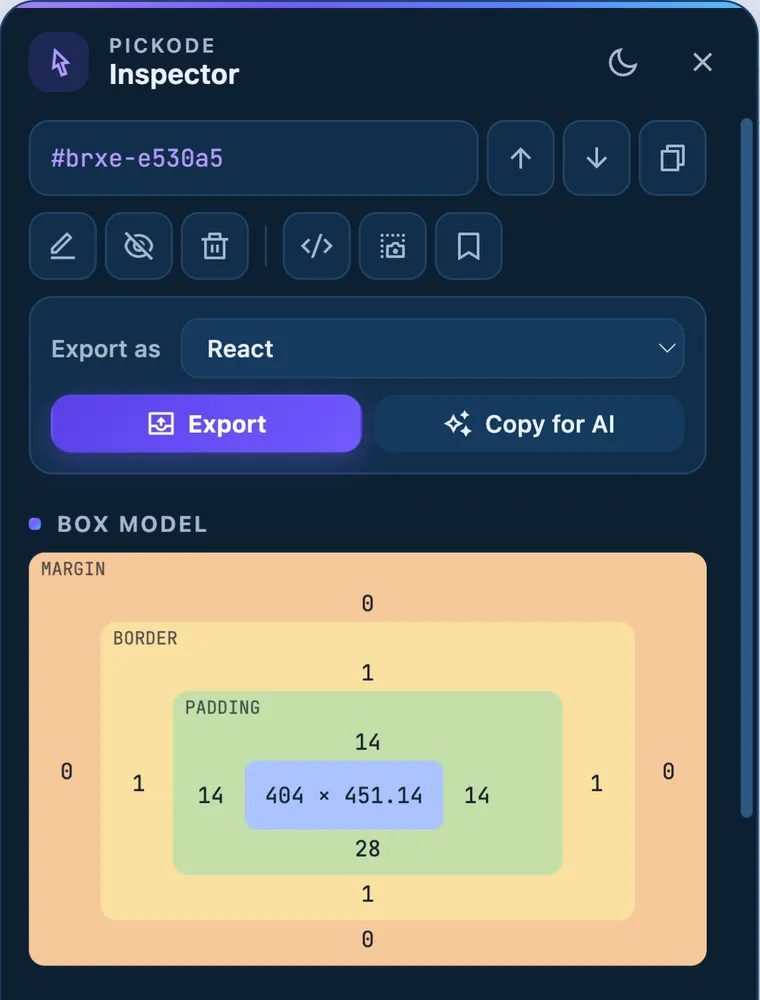
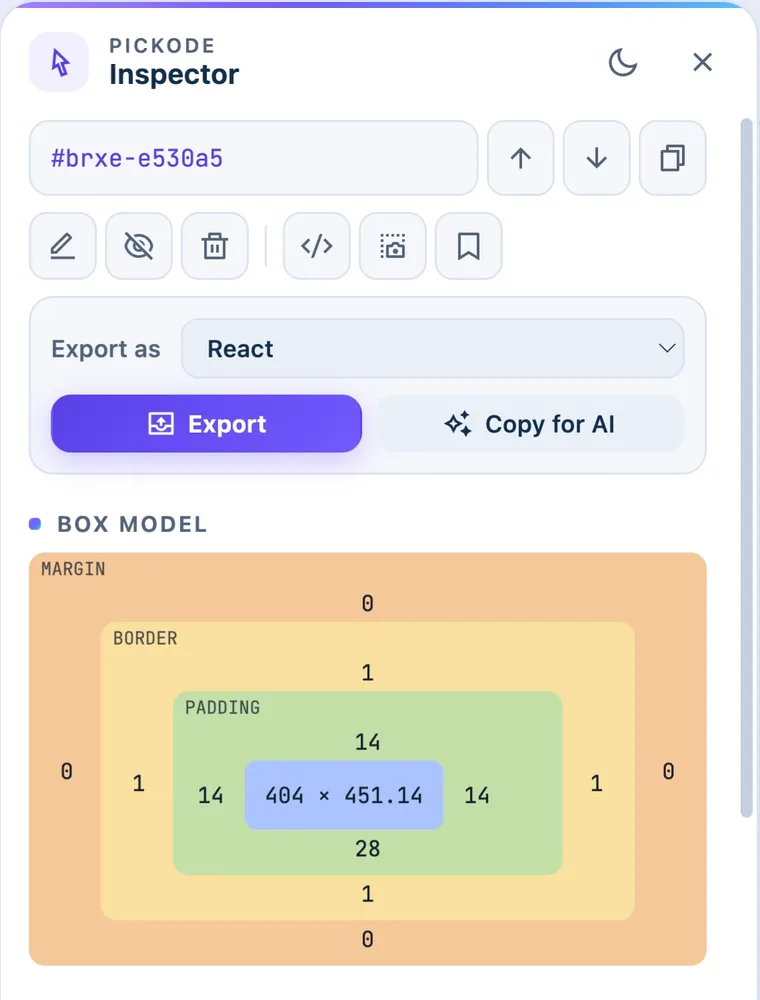
Box model, fonts, colors and WCAG contrast; edit properties live.
Hold Alt over an element to see distances in px.
Columns, gutter and baseline, with Bootstrap, Tailwind and Bricks presets.
CSS saved per domain and re-applied on every visit.
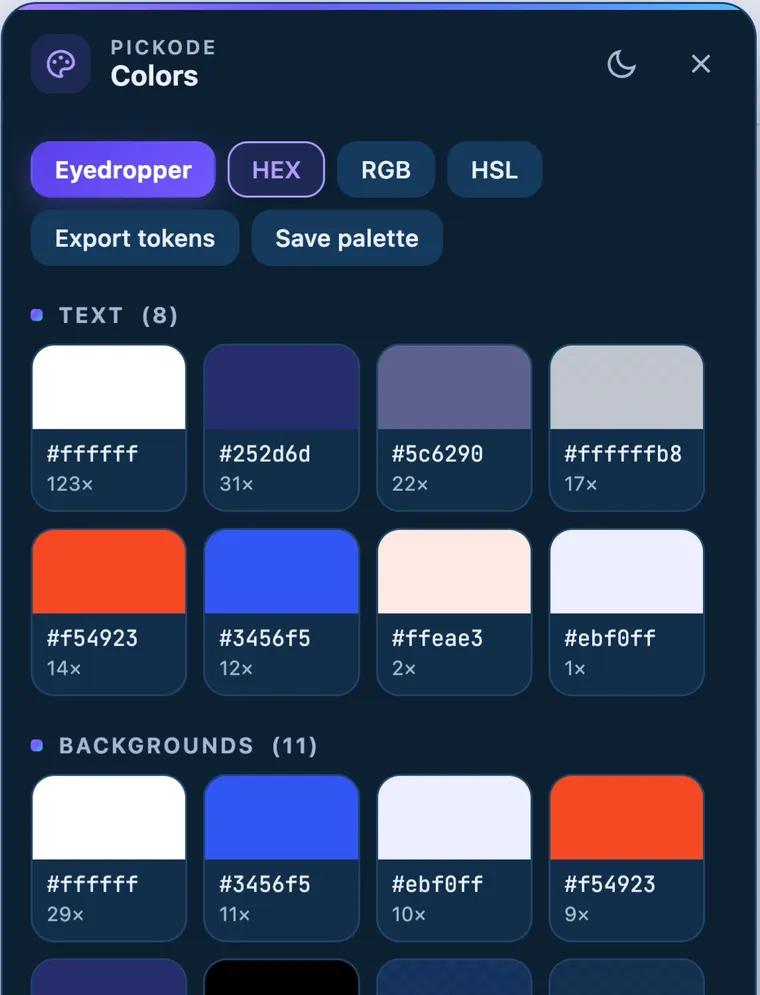
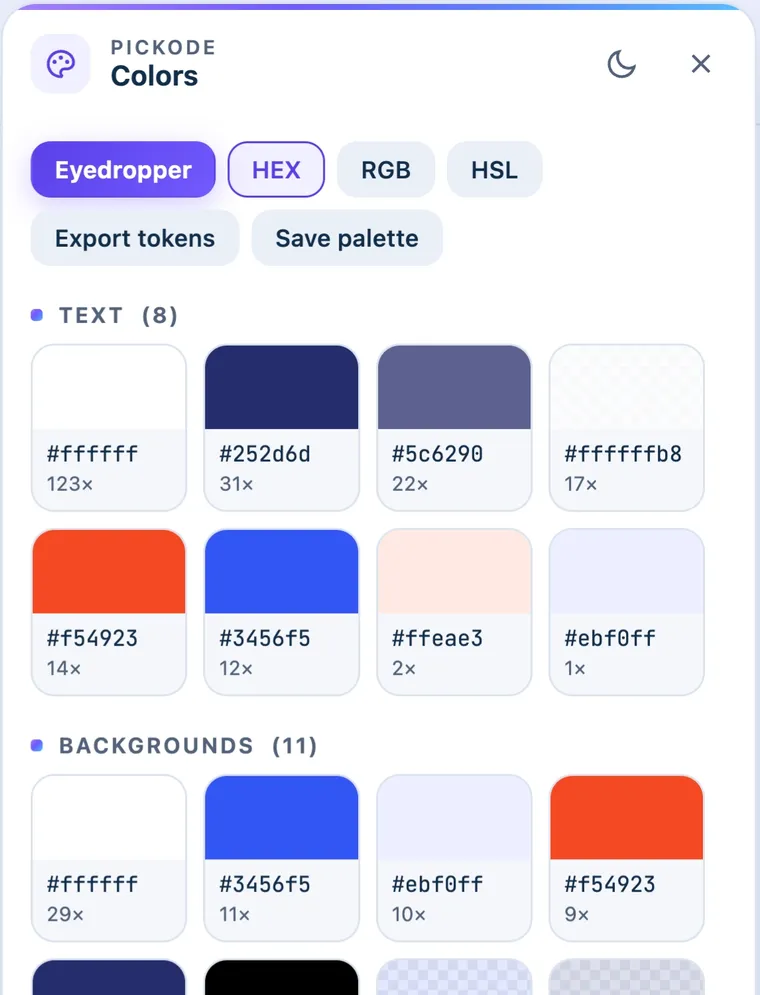
Text, background and border colors in HEX, RGB and HSL.
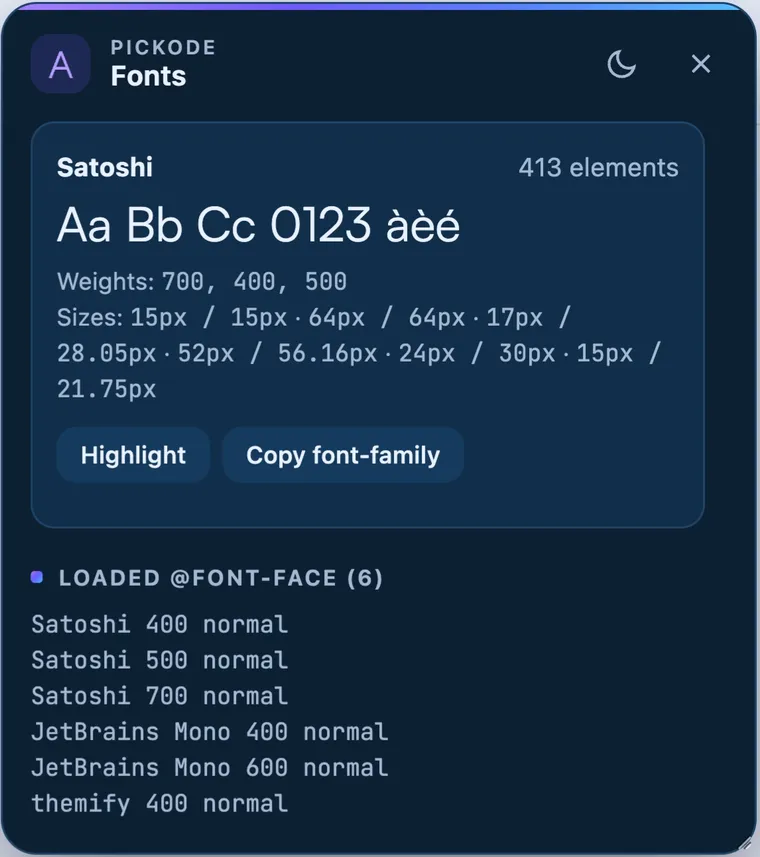
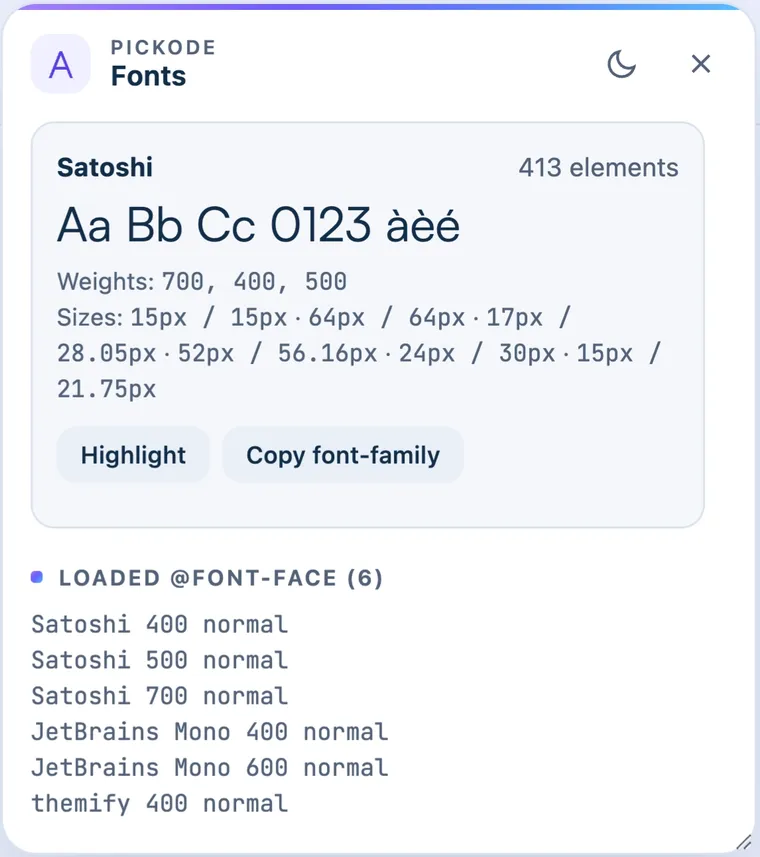
Families, weights, sizes and loaded @font-face rules.
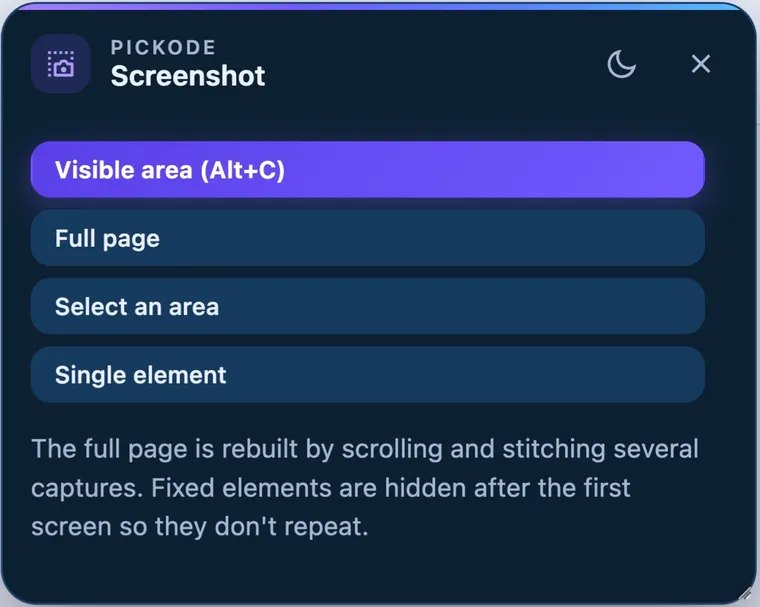
Visible area, full page, area or element, with arrows, text and blur.
27 devices with frames, rotation, synced scroll and replay.
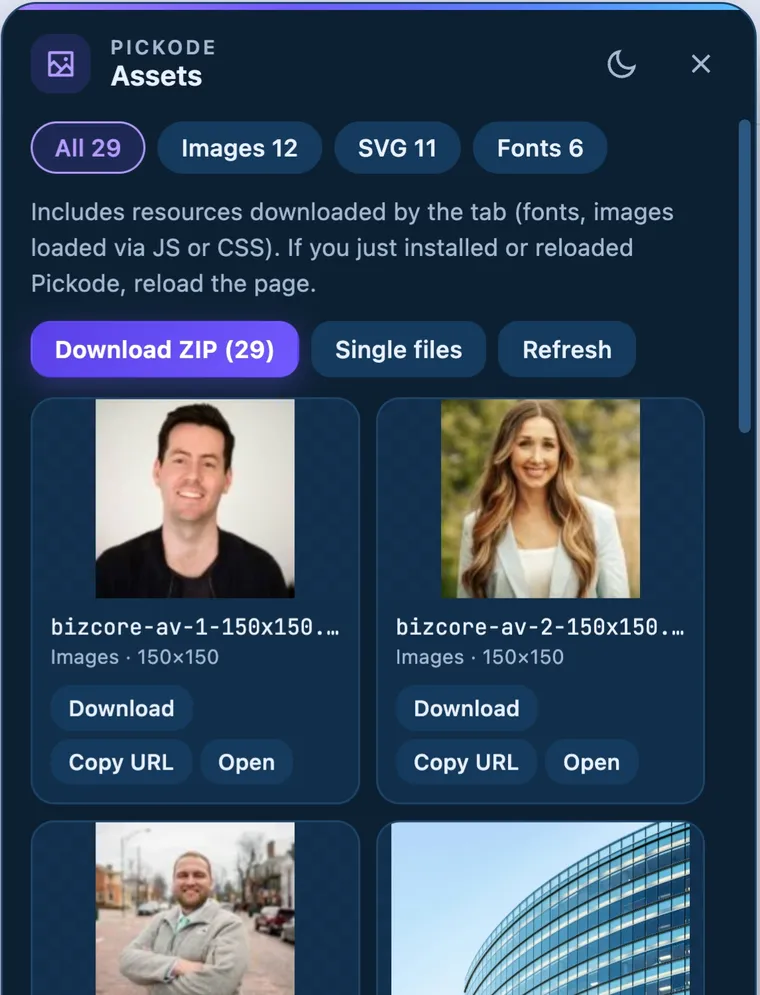
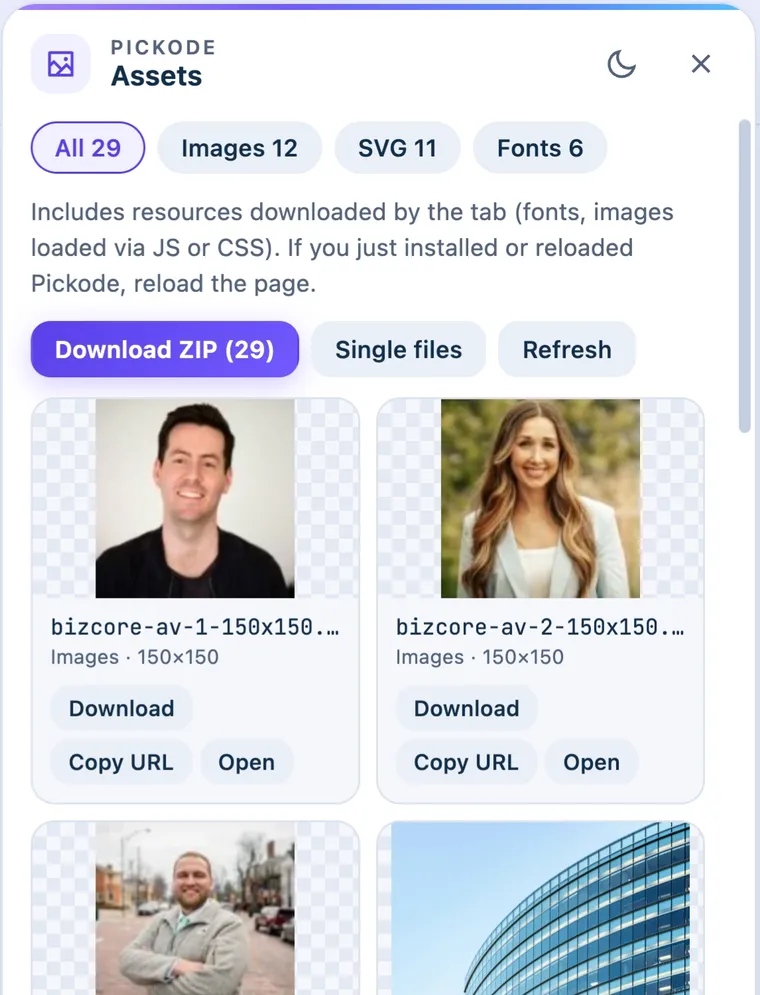
Images, SVG, fonts, video, Lottie and HLS/DASH streams, zipped by folder.
Clear cookies, storage and cache for the open site only, then reload without cache.
Re-encode to WebP or AVIF at the size actually displayed, and download a ZIP.
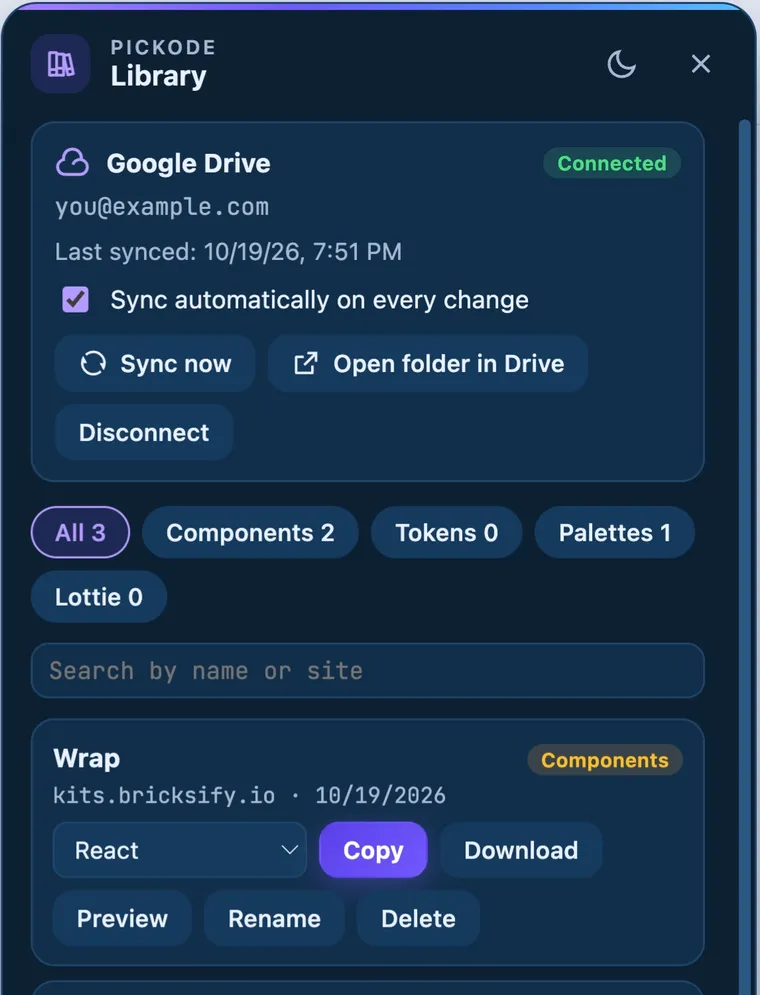
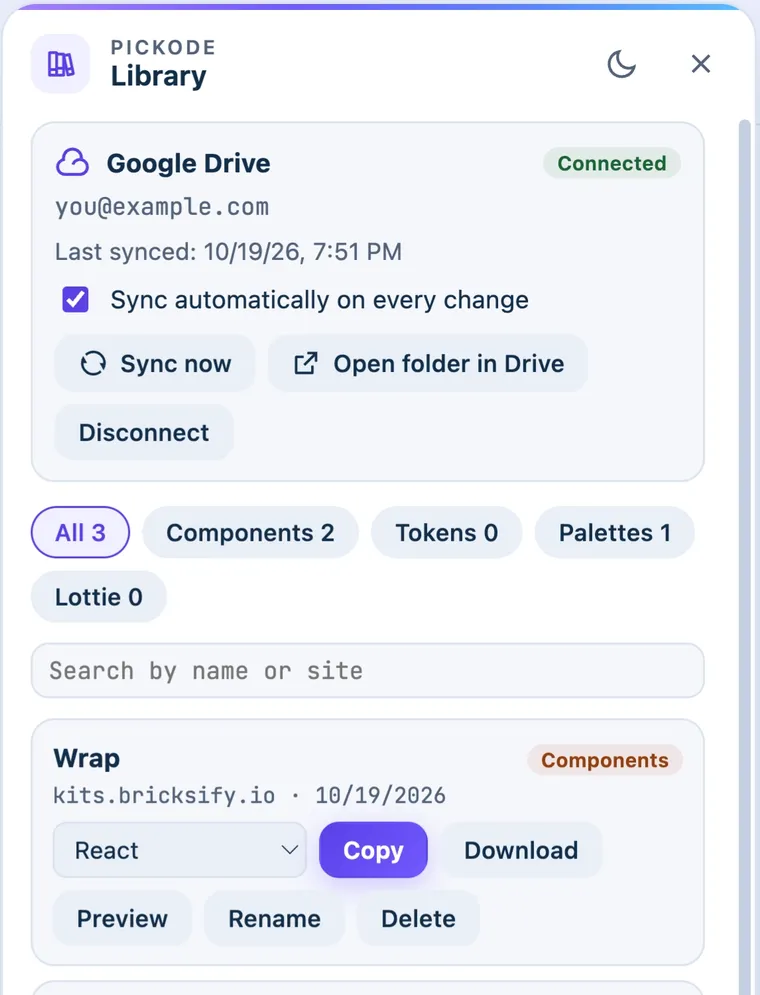
Saved components, tokens and palettes, synced to a Pickode folder in your Google Drive.
Privacy
Inspection, export and audits run in your browser. We don't collect browsing data.
Library sync goes straight to your Google Drive, and Pickode only sees the files it created.
The license key is the one thing sent out, to our payment provider, to verify it.
Pricing
For inspecting, auditing and the occasional export.
€0forever
Add to ChromeEvery export format, builders, reports and media tools.
€6/month
Billed monthly, cancel anytime
€39/year
≈ €3.25/month, billed yearly
Launch price:€59Regular price:€79 · one-time
Launch price for the first 300 buyers, then €79
3 browsers per license
Everything in Free, plus:
For agencies: 5 people × 3 browsers each.
€149/year
€149/year or €299 one-time
Get TeamEverything in Pro, plus:
Questions
Yes. The free version has the inspector, colors, fonts, SEO, tech stack, screenshots, the contrast map, design tokens in every format and a weekly allowance of HTML exports. Pro unlocks every export format, builders, reports and media tools.
Pickode reads the site's original stylesheets instead of the values the browser computed. You get the author's real values, media queries and hover states, not hundreds of resolved pixels.
Yes. It needs Flexbox Containers, on by default in recent versions.
Copy for Bricks in Pickode, then select an element or the canvas in Bricks and press ⌘V (Ctrl+V).
Chrome, Edge, Brave, Opera, Arc, Comet (Chromium) and Firefox 140+. The Side Panel is available where the browser supports it.
No. Everything runs in your browser. Only the license key is sent to our payment provider to verify it.
Pickode is for learning, inspiration, auditing and migrating sites you work on. Respect copyright and licenses: don't republish others' designs, text or images without permission.
Only unprotected HLS/DASH streams you have the right to save. DRM-protected video, encrypted streams, live streams and YouTube are not supported.
Install Pickode, open any site and press Alt+I.
Free · 7-day Pro trial · No account needed