Audit any site and send a report your client understands.
One HTML file with a screenshot, scores, prioritized fixes, SEO, speed, accessibility, AI search visibility (GEO) and technologies. Your header and colors, in English or Italian, printable to PDF. No client report template to fill in by hand.
Free forever · 7-day Pro trial, no card · Chrome, Edge, Brave, Opera, Arc, Comet, Firefox
In short
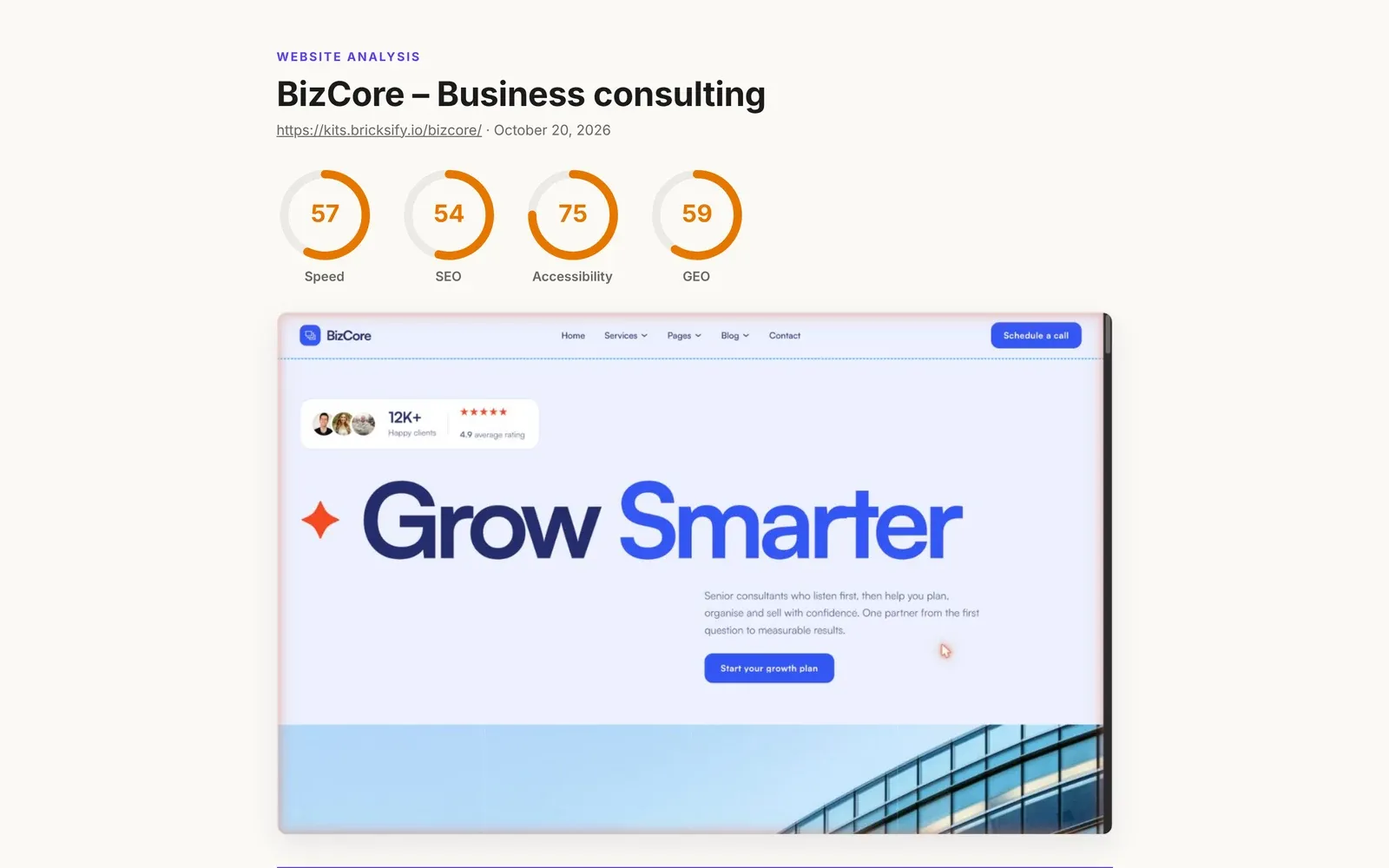
A website audit report for clients shows what's wrong with a site and what to fix first, in words a non-developer understands. Pickode is a browser extension that builds it from the page you're viewing: one HTML file with a screenshot, scores, high/medium/low priorities, SEO, speed, accessibility, GEO and the technologies behind the site, WordPress included. Set your header and color, choose the report language and print it to PDF.
How it works
Client report in three steps.
 01
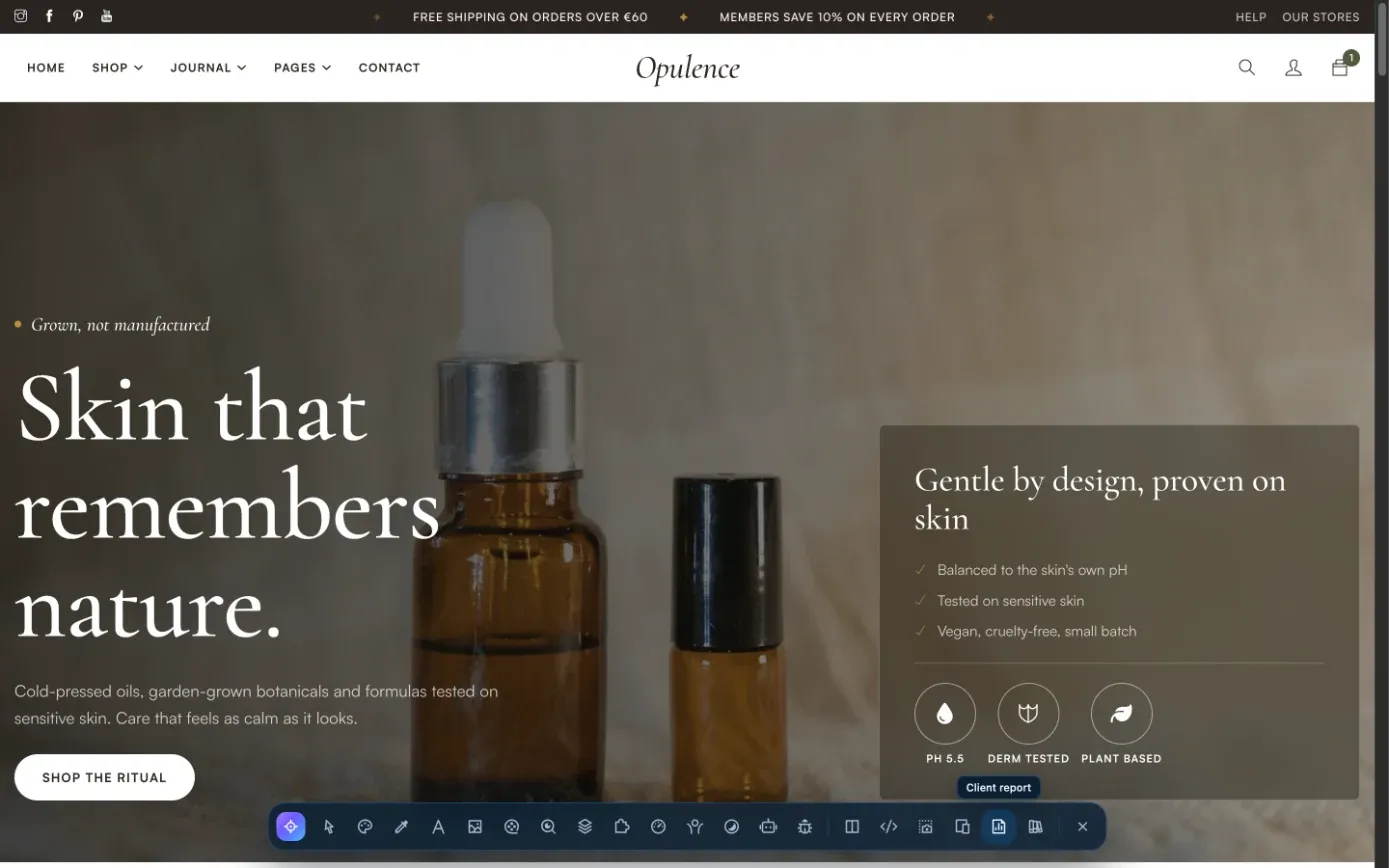
01Open the client's site
Open the page you want to audit in Chrome, Edge, Brave, Opera, Arc, Comet or Firefox. Pickode reads it right in your browser.
 02
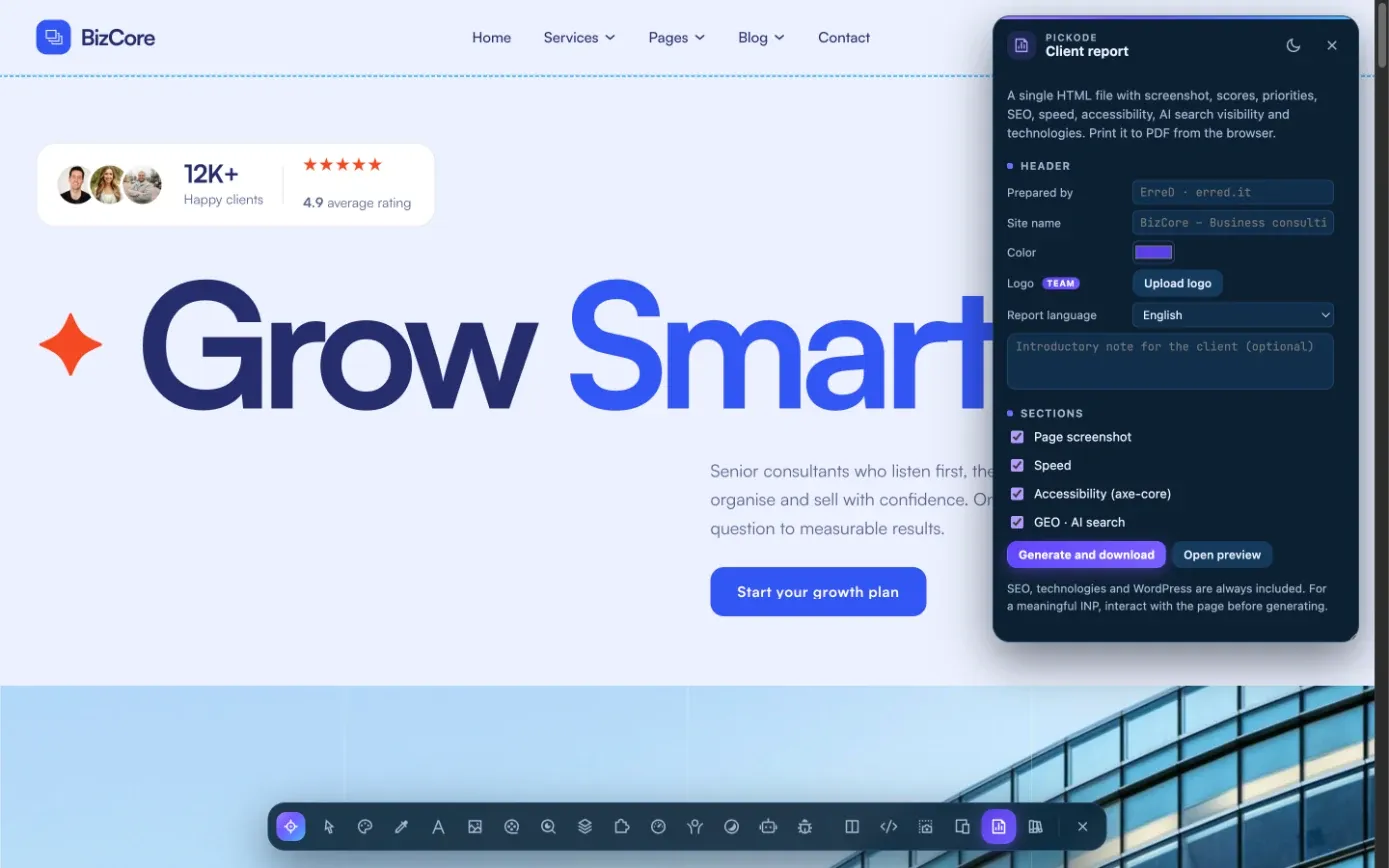
02Create the report
In Pickode's Analyze section, create the client report. Set your header, your color and the report language.
 03
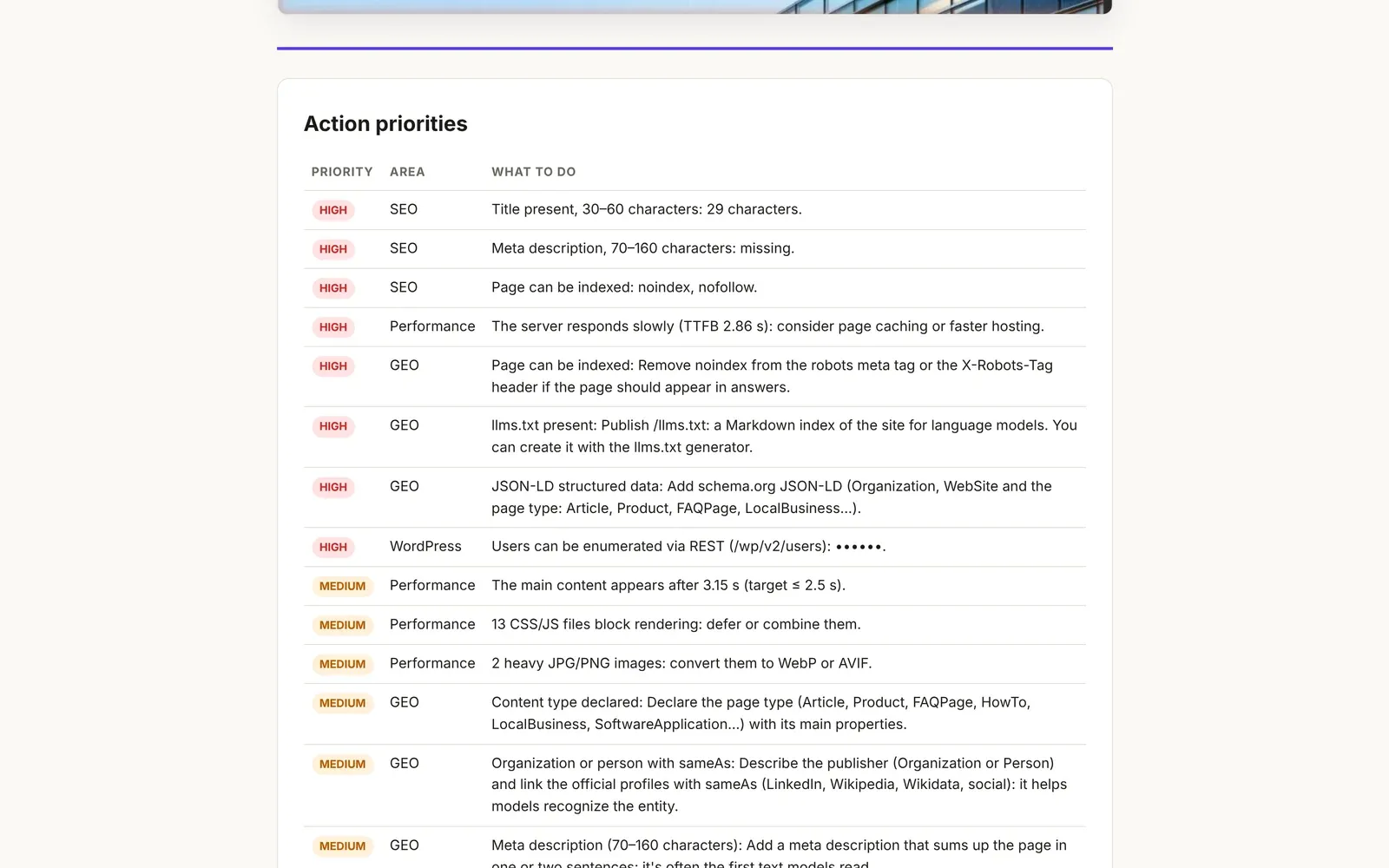
03Send it or print it
Save the HTML file and send it to your client, or print it to PDF from the browser.
What you get
Every audit panel, in one report.
SEO and tech stack
Meta, canonical, robots, Open Graph, hreflang, JSON-LD, headings and images without alt, plus ~60 technology signatures. Both panels are free and feed the report.
WordPress and WooCommerce
WP version, theme and child theme, plugins with versions, builder, WooCommerce page type and checkout, cache headers and basic security checks.
Speed and Core Web Vitals
LCP, CLS, INP, FCP and TTFB, the LCP element, page weight by type, render-blocking resources, heavy images and third parties.
Accessibility and contrast
An axe-core WCAG 2.2 AA audit plus a contrast map that checks every text against its real background.
AI search visibility (GEO)
A 0–100 readiness score for ChatGPT, Claude, Perplexity, Gemini and Copilot, with the fix for every check.
Your brand, your client's language
Custom header and color, report language set separately, printable to PDF. With the Team plan, a white label SEO report with your logo.
Details
What the client report includes.
- Format
- One HTML file, printable to PDF from the browser
- Contents
- Screenshot, scores, SEO, speed, accessibility, GEO, technologies and WordPress
- Priorities
- Fixes generated and ranked high, medium and low
- Branding
- Custom header and color; your own logo with the Team plan (white label)
- Language
- English or Italian, chosen separately from the interface language
- Plan
- Pro; Team adds your logo. The SEO and tech stack panels are free.
Questions
Questions about Client report.
What's in the website audit report?
A screenshot of the page, the scores, fixes ranked high, medium and low, plus the SEO, speed, accessibility, GEO and technology sections, WordPress and WooCommerce included.
Can I make a white label SEO report for clients?
Yes, with the Team plan. Every Pro report has your custom header and color; the Team plan (5 people, 3 browsers each) also puts your own logo on it.
Can I send it as a PDF?
Yes. The report is a single HTML file: send it as is, or print it to PDF from the browser.
Can the report be in a different language from the extension?
Yes. The report language is set separately, so you can use Pickode in English and send your client an Italian report, or the other way round.
Do my client's pages go through a Pickode server?
No. Everything runs in your browser. Only the license key is sent to our payment provider to verify it.
Which plan includes the client report?
Pro. The SEO and tech stack panels are free; performance and accessibility scores are free, with details and suggestions in Pro.
How do I make a website audit report for a client?
Open the site in your browser and generate the client report in Pickode: one HTML file with a screenshot, scores, fixes ranked high, medium and low, and sections for SEO, speed, accessibility, GEO and technologies. Set your header, color and the report language, then send it or print it to PDF.
Keep exploring
Everything in Client report.
- WordPress panelTheme, child theme, plugins, builder and WooCommerce of any WordPress site. — Learn more
- PerformanceCore Web Vitals, page weight and what slows the page down. — Learn more
- AccessibilityWCAG 2.2 AA audit with axe-core and a contrast map for every text. — Learn more
- GEO · AI searchAI search readiness score, robots.txt rules for AI crawlers and a draft llms.txt. — Learn more
Stop rebuilding. Start picking.
Install Pickode, open any site and press Alt+I.
Free · 7-day Pro trial · No account needed