Download Lottie animations and convert Lottie to GIF.
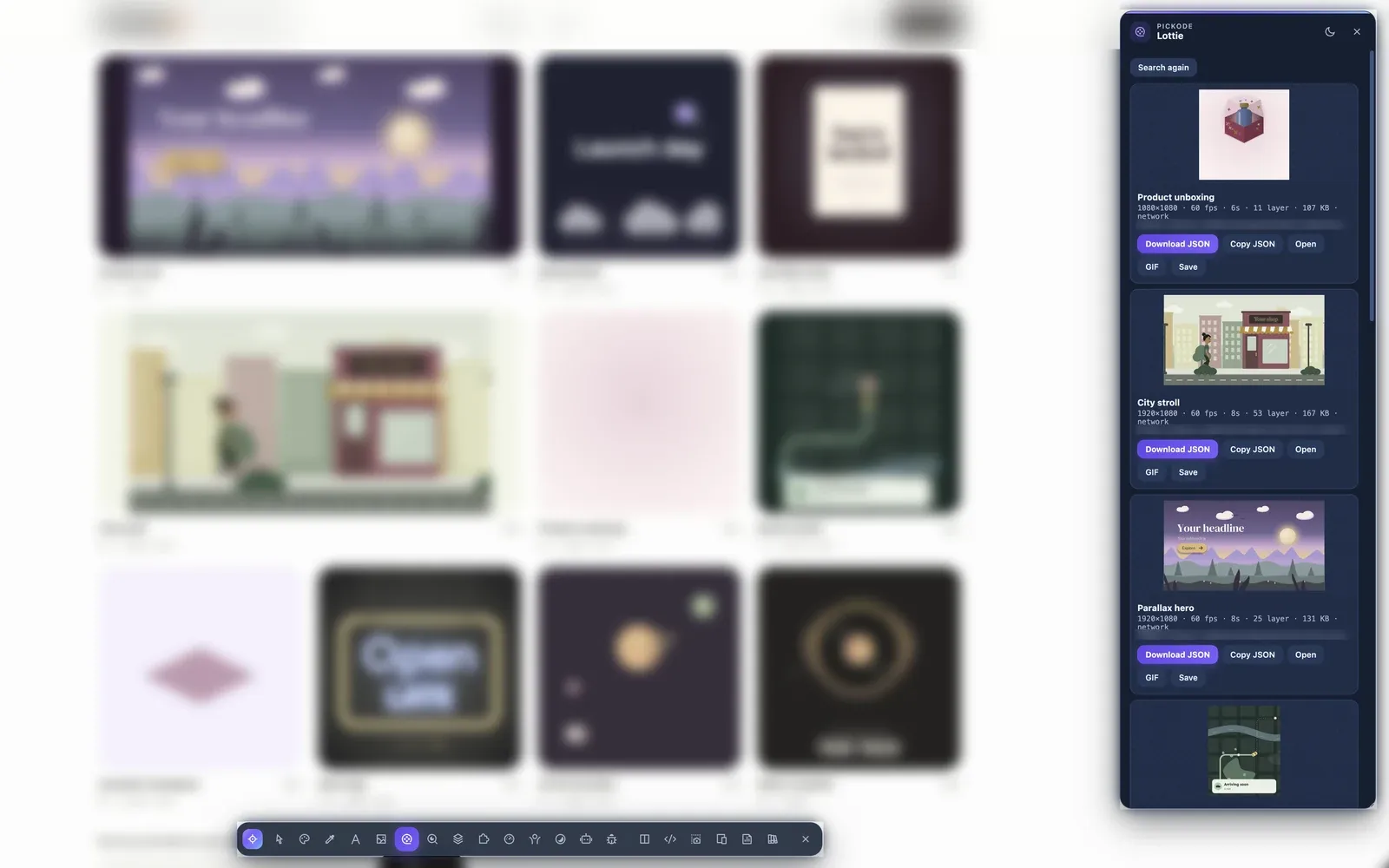
Pickode finds Lottie animations in network requests and in-page players, plays them in its own preview and saves them as JSON, .lottie or GIF.
Free forever · 7-day Pro trial, no card · Chrome, Edge, Brave, Opera, Arc, Comet, Firefox
In short
Pickode is a browser extension that finds the Lottie animations on a website and converts Lottie to GIF in your browser. It detects Lottie JSON and .lottie (dotLottie) files from the network, from players on the page and from lottie-web animations; you can preview them, download the original file or export a GIF with your own width, frame rate, colors, loop and transparency.
How it works
Lottie in three steps.
 01
01Open the asset panel
Press Alt+A on the page. Lottie animations found in the network, in
lottie-player,dotlottieand Elementor players and in lottie-web appear in the list.- TODO: media/features/lottie/step-2.mp4 · .webp02
Preview the animation
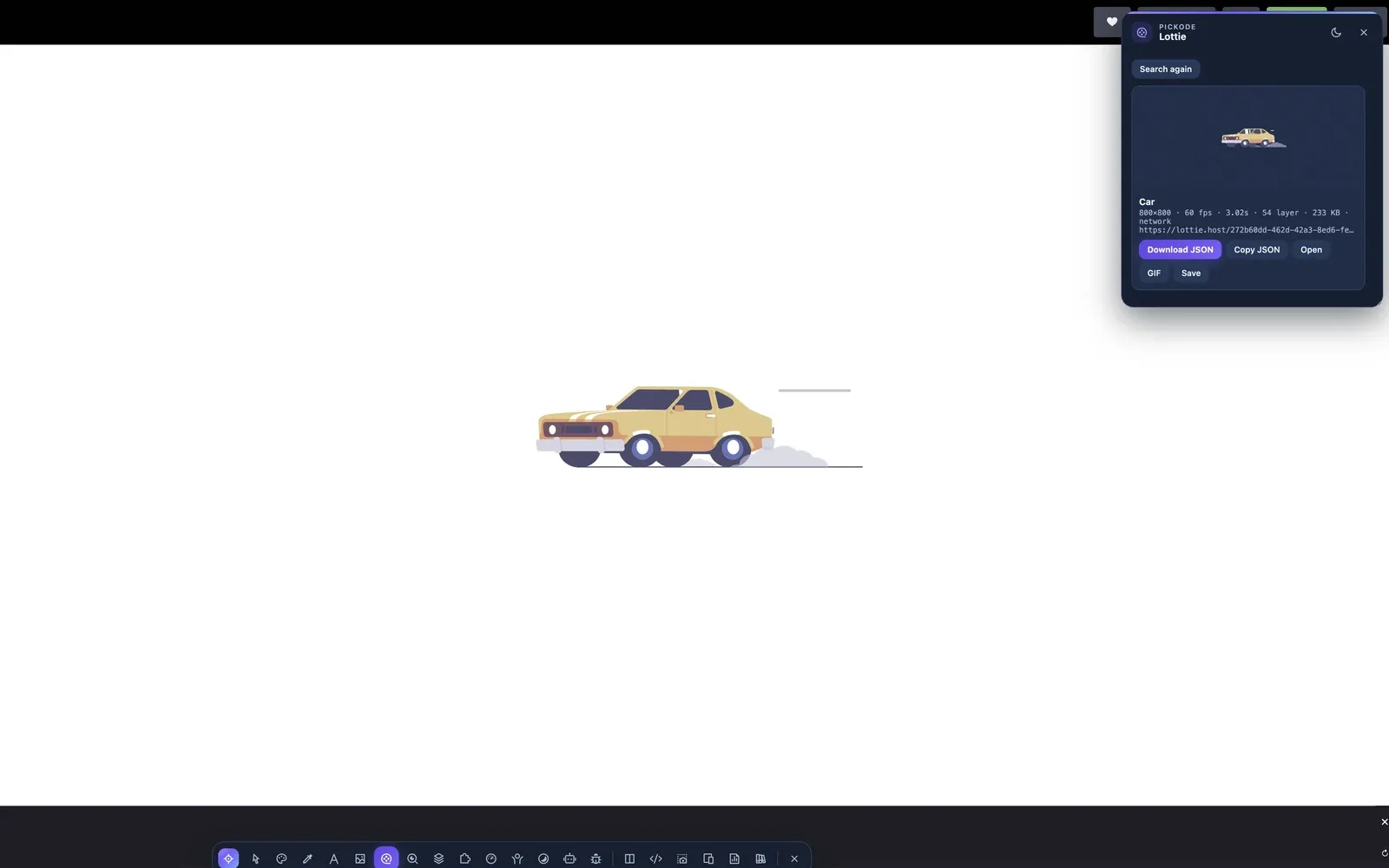
Play it in Pickode's player and adjust speed, step through frames and change the background.
- TODO: media/features/lottie/step-3.mp4 · .webp03
Download or convert
Save the JSON or .lottie file, or convert it to GIF choosing width, fps, 64–256 colors, loop and transparency.
What you get
From animation on a page to a file you can use.
Finds every Lottie
Network files (JSON and .lottie),
lottie-player,dotlottieand Elementor players, and animations rendered with lottie-web.Built-in player
Preview each animation with speed control, frame-by-frame stepping and a background of your choice.
JSON and .lottie download
A Lottie JSON downloader that also saves dotLottie files, ready for your own player or project.
GIF conversion
Turn Lottie into a GIF with your width, frame rate, 64–256 colors, loop and transparency settings.
Details
What the Lottie tools support.
- Sources
- Network requests (JSON, .lottie), in-page players, lottie-web animations
- Players detected
lottie-player,dotlottie, Elementor- Preview
- Speed, frame stepping, background
- Download
- Lottie JSON and .lottie
- GIF export
- Width, fps, 64–256 colors, loop, transparency
- Library
- Save Lottie animations to your Pickode library
- Plan
- Preview free; download and GIF conversion in Pro (7-day trial, no card)
Questions
Questions about Lottie.
How do I convert Lottie to GIF?
Open the asset panel with Alt+A, select the Lottie animation and choose GIF. Set width, frames per second, 64–256 colors, loop and transparency, then download.
Can I download a Lottie animation from a website?
Yes. Pickode finds Lottie files in the network, in `lottie-player`, `dotlottie` and Elementor players and in lottie-web animations, and lets you download the JSON or .lottie file.
Does it support dotLottie?
Yes. Pickode detects .lottie files and dotlottie players and can download the .lottie file.
Do previews run After Effects expressions?
No. Lottie previews don't run After Effects expressions, so animations that rely on them may look different in the preview.
Is the Lottie tool free?
The preview is free. Downloading the JSON or .lottie file and converting to GIF are part of Pro, which you can try with the 7-day Pro trial, no card needed.
Can I reuse any animation I find?
Download only content you own or are authorized to use, and check the animation's license before reusing it.
Can I export Lottie to WebP or MP4?
No. Pickode downloads the original JSON or .lottie file and converts the animation to GIF; WebP and MP4 are not available.
Keep exploring
Related features.
Stop rebuilding. Start picking.
Install Pickode, open any site and press Alt+I.
Free · 7-day Pro trial · No account needed