Get every color from any website.
See the palette a page really uses — text, backgrounds and borders — pick any color with the eyedropper and save the palette for later. Free, in your browser.
Free forever · 7-day Pro trial, no card · Chrome, Edge, Brave, Opera, Arc, Comet, Firefox
In short
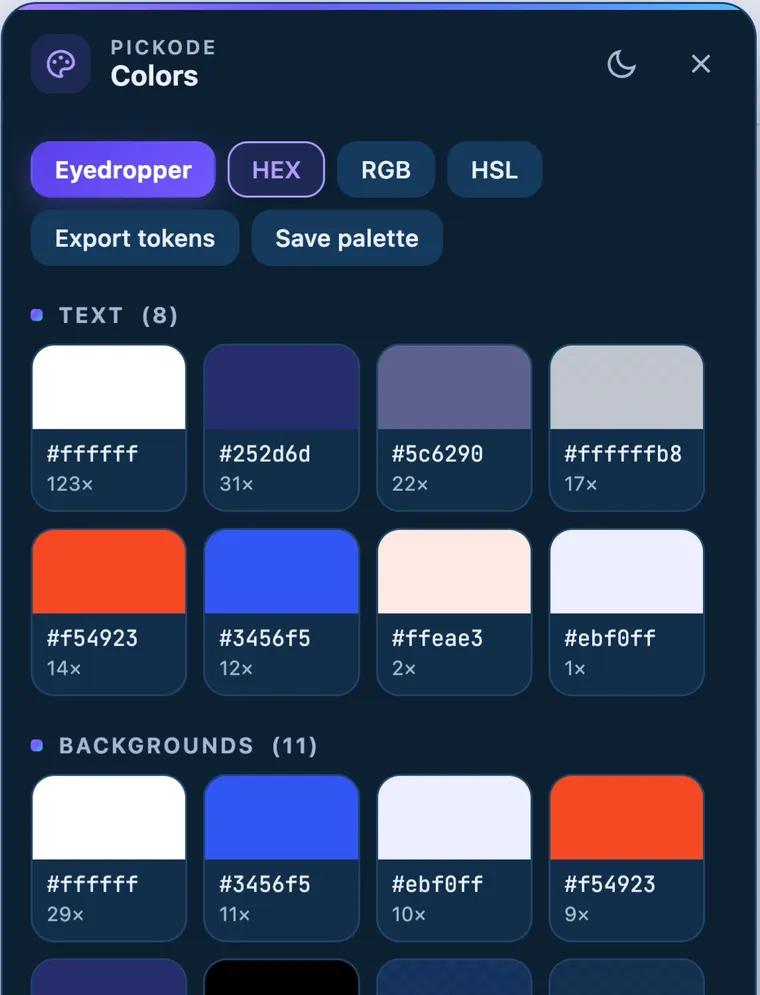
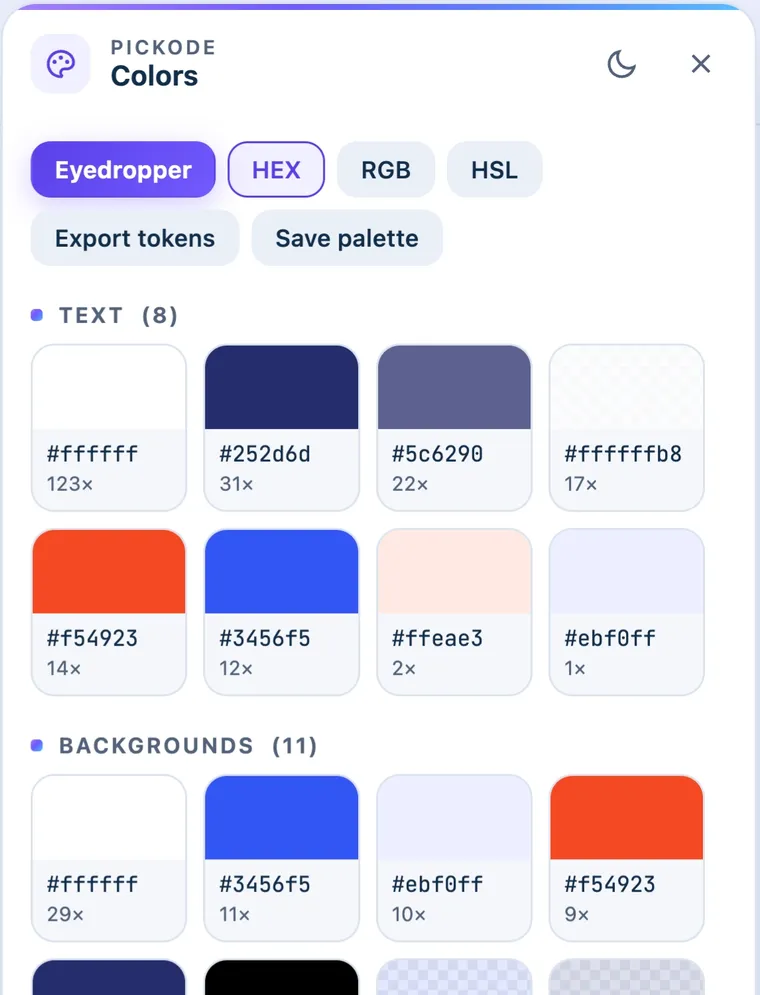
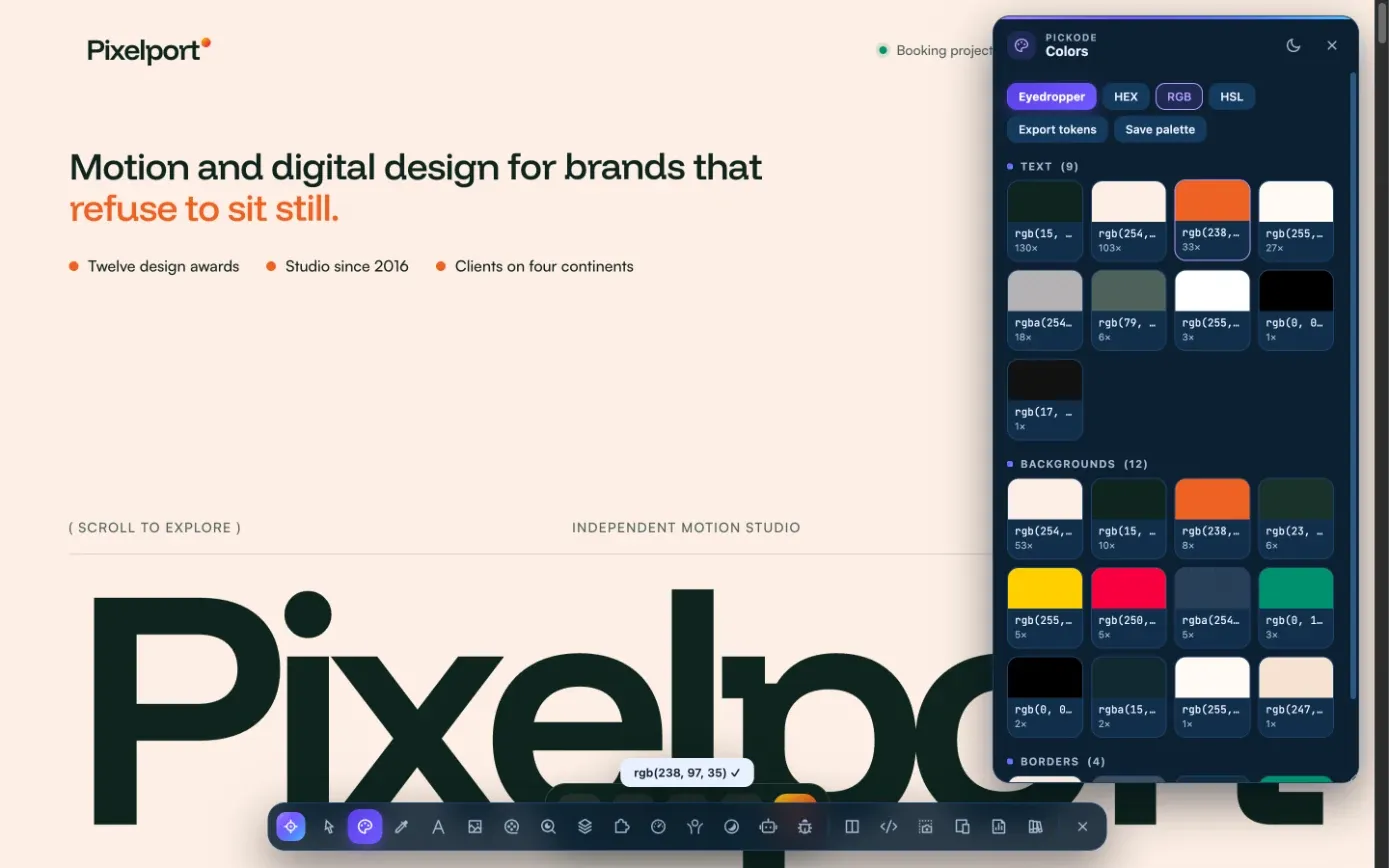
Pickode is a free color picker Chrome extension that also works in Edge, Brave, Opera, Arc, Comet and Firefox. It extracts the website's color palette grouped by text, backgrounds and borders, gives you an eyedropper to pick a color from the page, and shows each value in HEX, RGB or HSL. You can save the palette and check contrast from the same tool.
How it works
Color picker in three steps.
 01
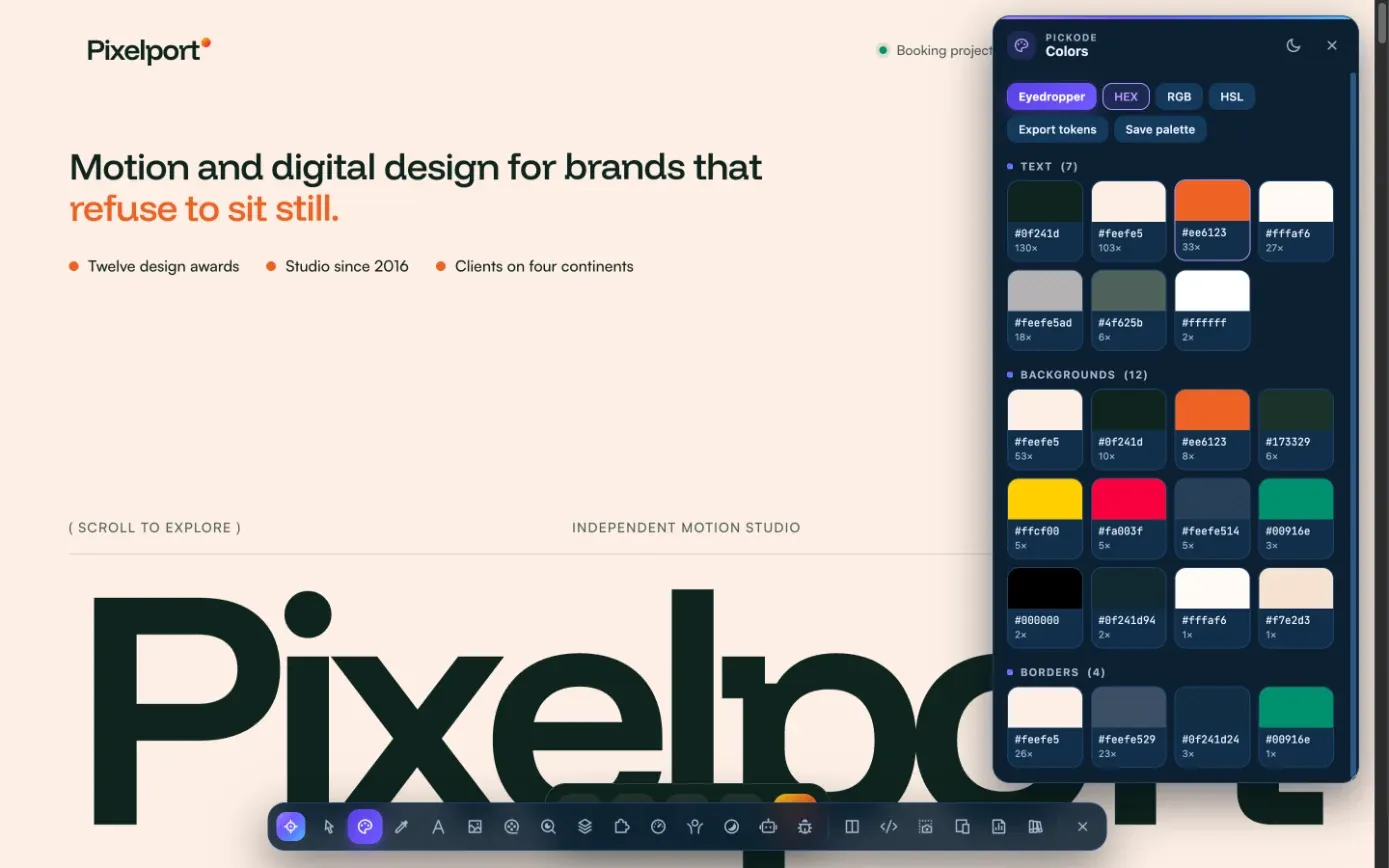
01Open Colors
Open Pickode on any website and choose Colors to see the palette of text, background and border colors.
 02
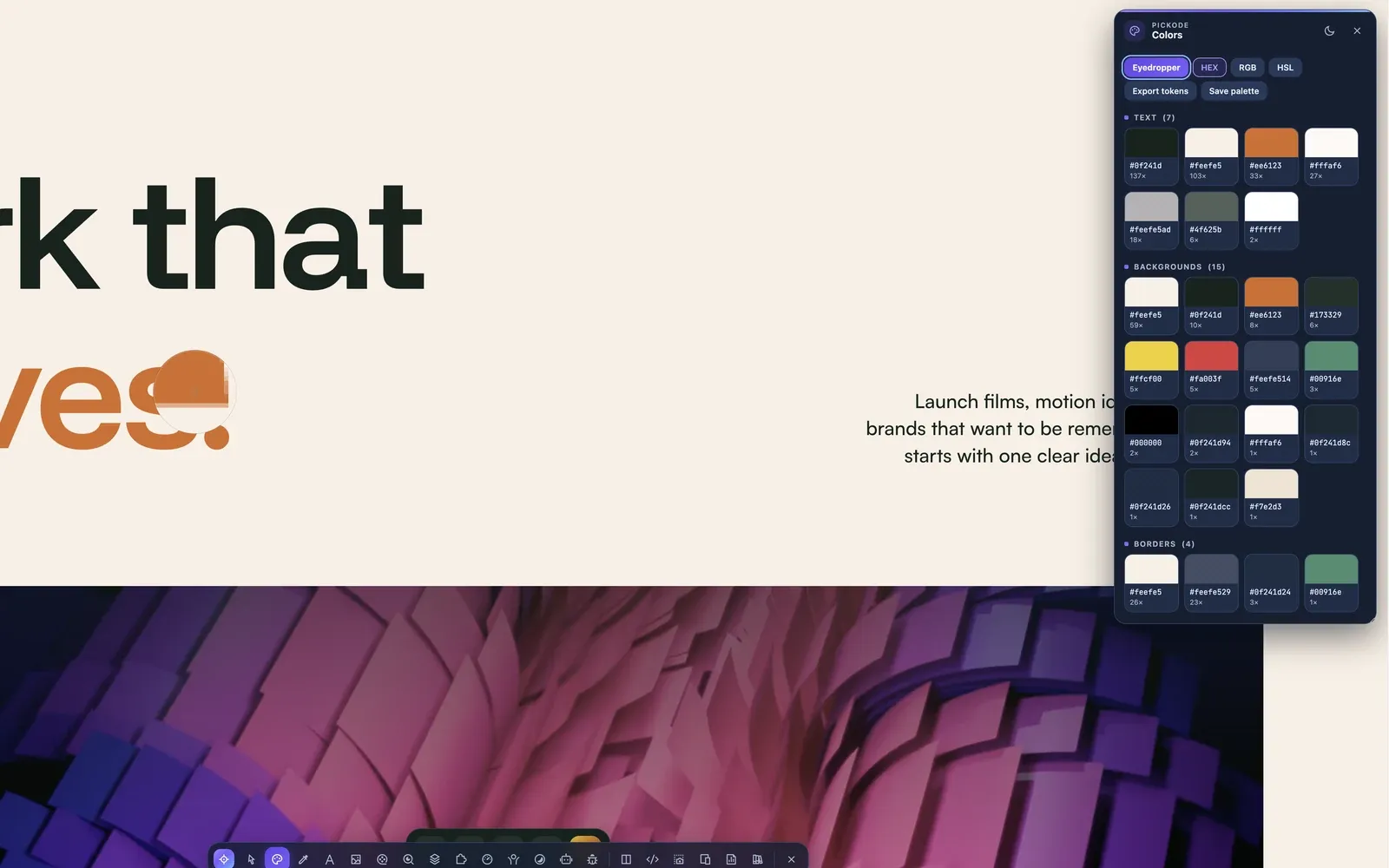
02Pick a color
Use the eyedropper to pick a color from the page. In Firefox it works on a screenshot with a magnifier.
 03
03Copy or save
Take the value in HEX, RGB or HSL, or save the whole palette to your library.
What you get
A website color palette extractor and eyedropper in one.
The page's real palette
Colors grouped by text, backgrounds and borders, so you see what the page actually uses.
Eyedropper
Pick any color you see on the page. In Firefox the eyedropper works on a screenshot with a magnifier.
Contrast at a glance
The inspector tooltip shows the WCAG contrast of every element; the contrast map in the accessibility panel marks failing text and suggests the nearest passing color.
Palettes you can save
Save a palette to your library and turn a site's colors into design tokens by role — primary, accent, background, text, border.
Details
What the color picker gives you.
- Palette
- Text, background and border colors used on the page
- Formats
- HEX, RGB, HSL
- Eyedropper
- Picks a color from the page; in Firefox from a screenshot with a magnifier
- Contrast
- WCAG contrast in the inspector tooltip; full contrast map in the accessibility panel
- Save
- Palettes saved to your library
- Design tokens
- Colors by role (primary, secondary, accent, success, error, background, text, border) — free to view, copy and export
- Browsers
- Chrome, Edge, Brave, Opera, Arc, Comet and Firefox 140+
Questions
Questions about Color picker.
Is the color picker free?
Yes. The color palette, the eyedropper and the contrast map are all in the free version.
Does it work in Firefox?
Yes. In Firefox the eyedropper works on a screenshot of the page with a magnifier.
How do I get the HEX or RGB code of a color on a website?
Open Colors in Pickode to see the page palette for text, backgrounds and borders, or use the eyedropper to pick a color. Copy it as HEX, RGB or HSL, and save the palette if you need it later.
Can I check if a color has enough contrast?
Yes. The inspector tooltip shows the WCAG contrast of the hovered element, and the contrast map in the accessibility panel marks every failing text and suggests the nearest color that passes.
Can I export the colors as CSS variables or Tailwind?
Yes, for free. The design tokens tool groups colors by role and exports them as CSS variables, Tailwind v4 `@theme`, `tailwind.config.js`, `globals.css` for shadcn, WordPress `theme.json` or JSON.
Keep exploring
Related features.
Stop rebuilding. Start picking.
Install Pickode, open any site and press Alt+I.
Free · 7-day Pro trial · No account needed