Extract a site's design system in seconds.
Pickode reads a site's colors, spacing, type scale, radii and shadows and exports them as CSS variables, Tailwind v4 `@theme`, `tailwind.config.js`, `globals.css` for shadcn, WordPress `theme.json` or JSON.
Free forever · 7-day Pro trial, no card · Chrome, Edge, Brave, Opera, Arc, Comet, Firefox
In short
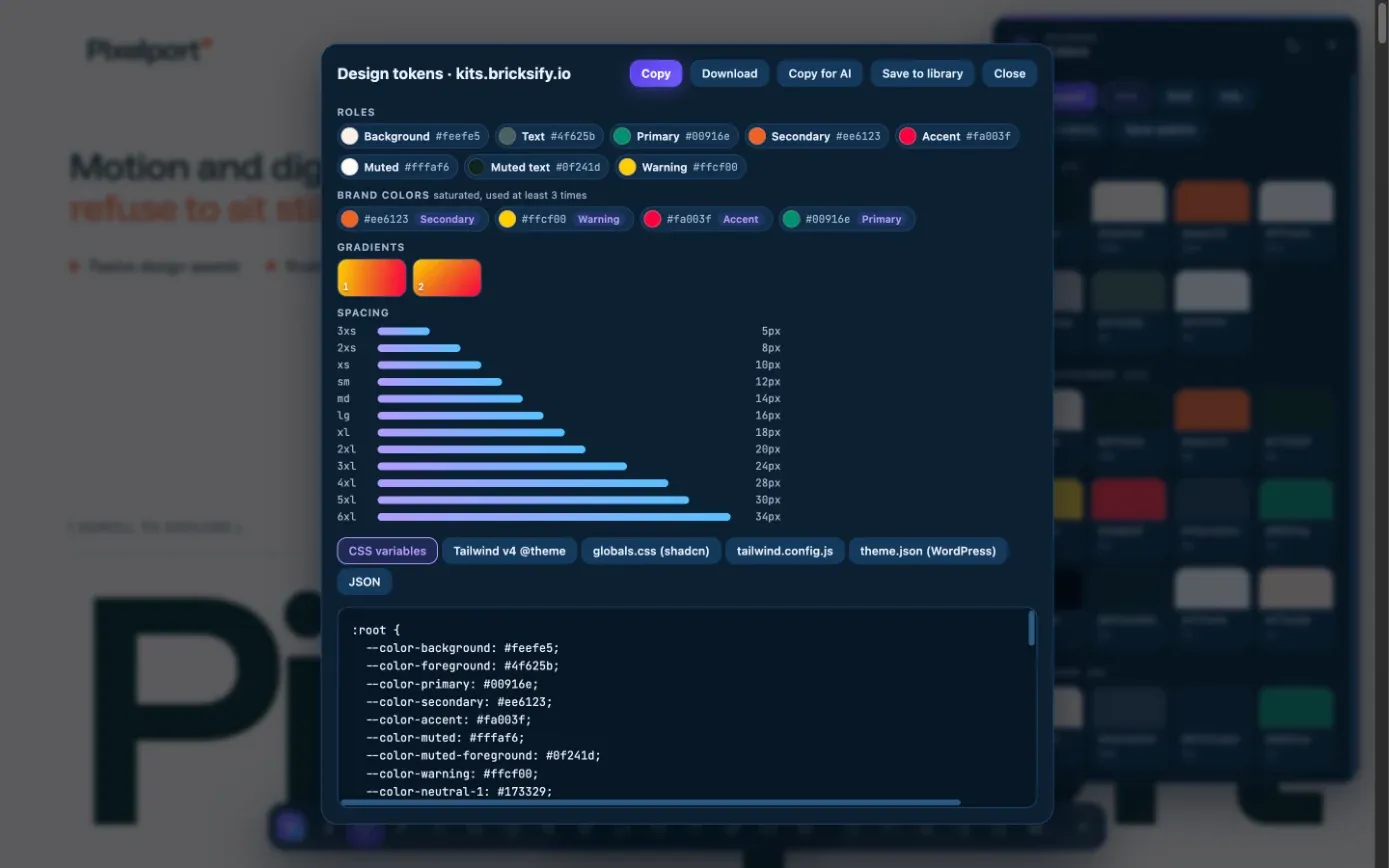
To extract design tokens from a website, open Pickode's design tokens window on any page: you get colors by role (primary, secondary, accent, success, error, background, text, border), brand colors, gradients, a spacing scale with 4/8 px grid detection, the type scale, radii, shadows and fonts. Pickode is a browser extension, and it exports those design tokens as CSS variables, a Tailwind v4 @theme, tailwind.config.js, a shadcn globals.css, a WordPress theme.json or JSON.
How it works
Design tokens in three steps.
 01
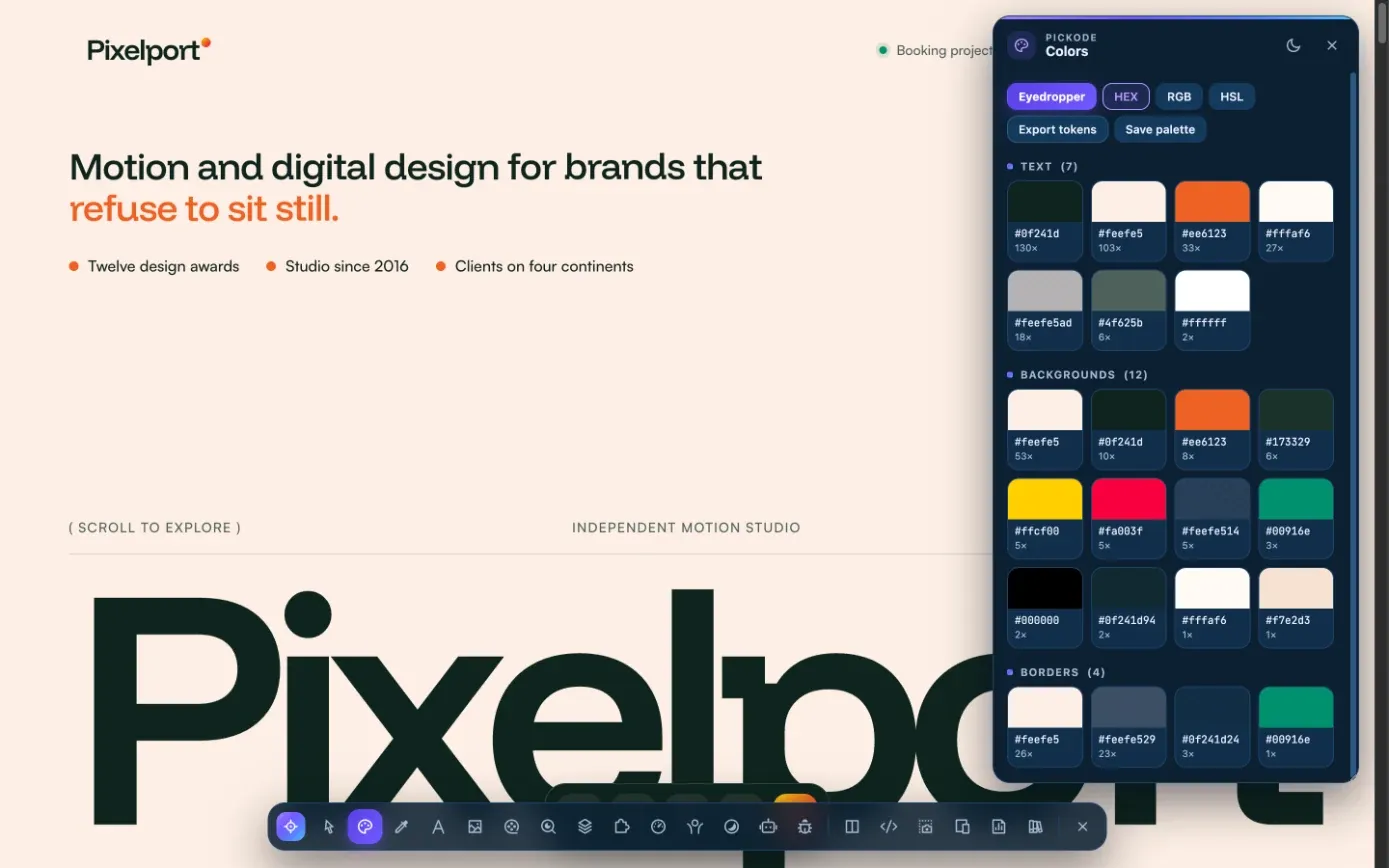
01Open the design tokens
On any website, open Design tokens from Pickode's panel.
 02
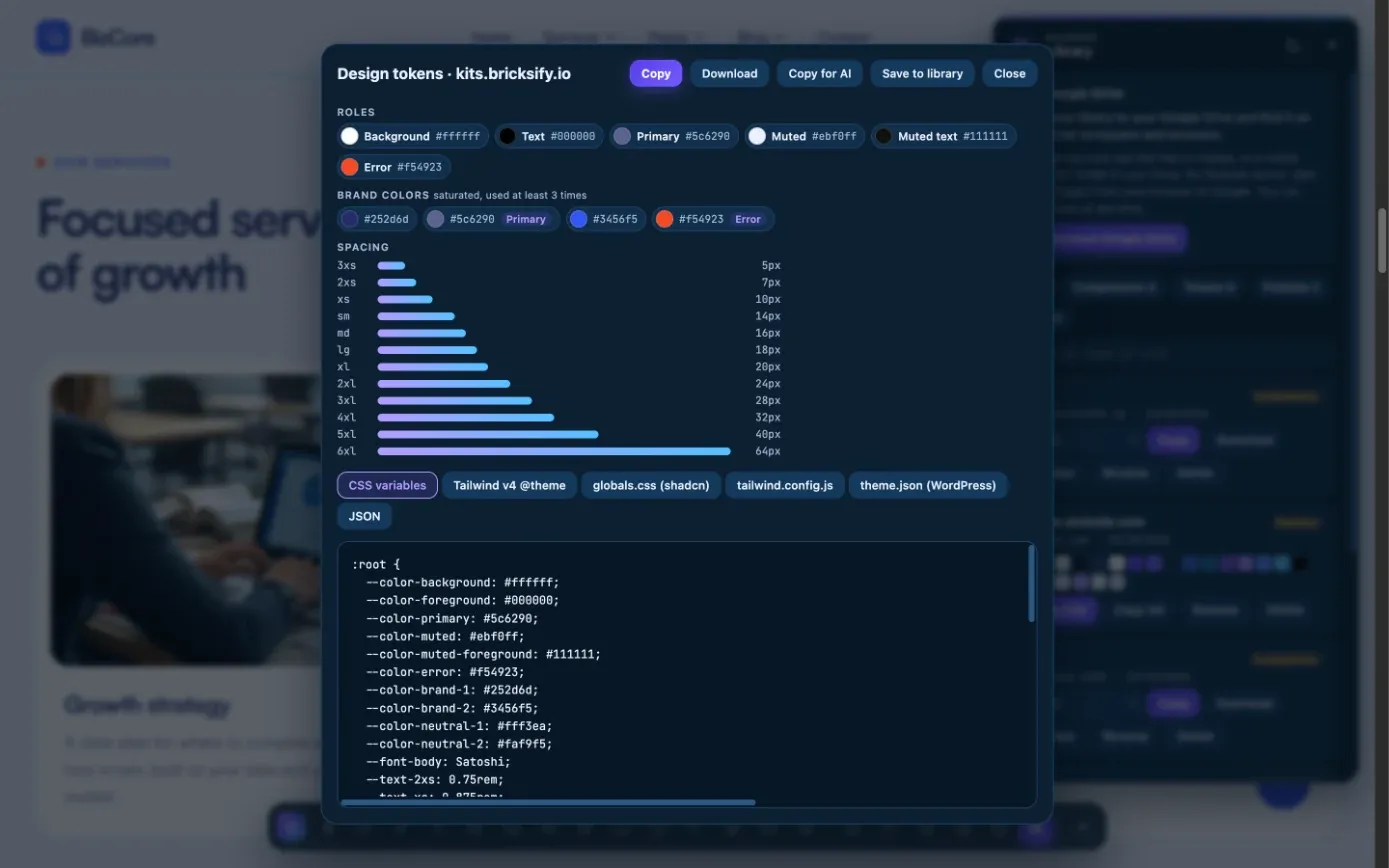
02Review the system
Check colors by role, gradients, spacing, type scale, radii and shadows found on the page.
 03
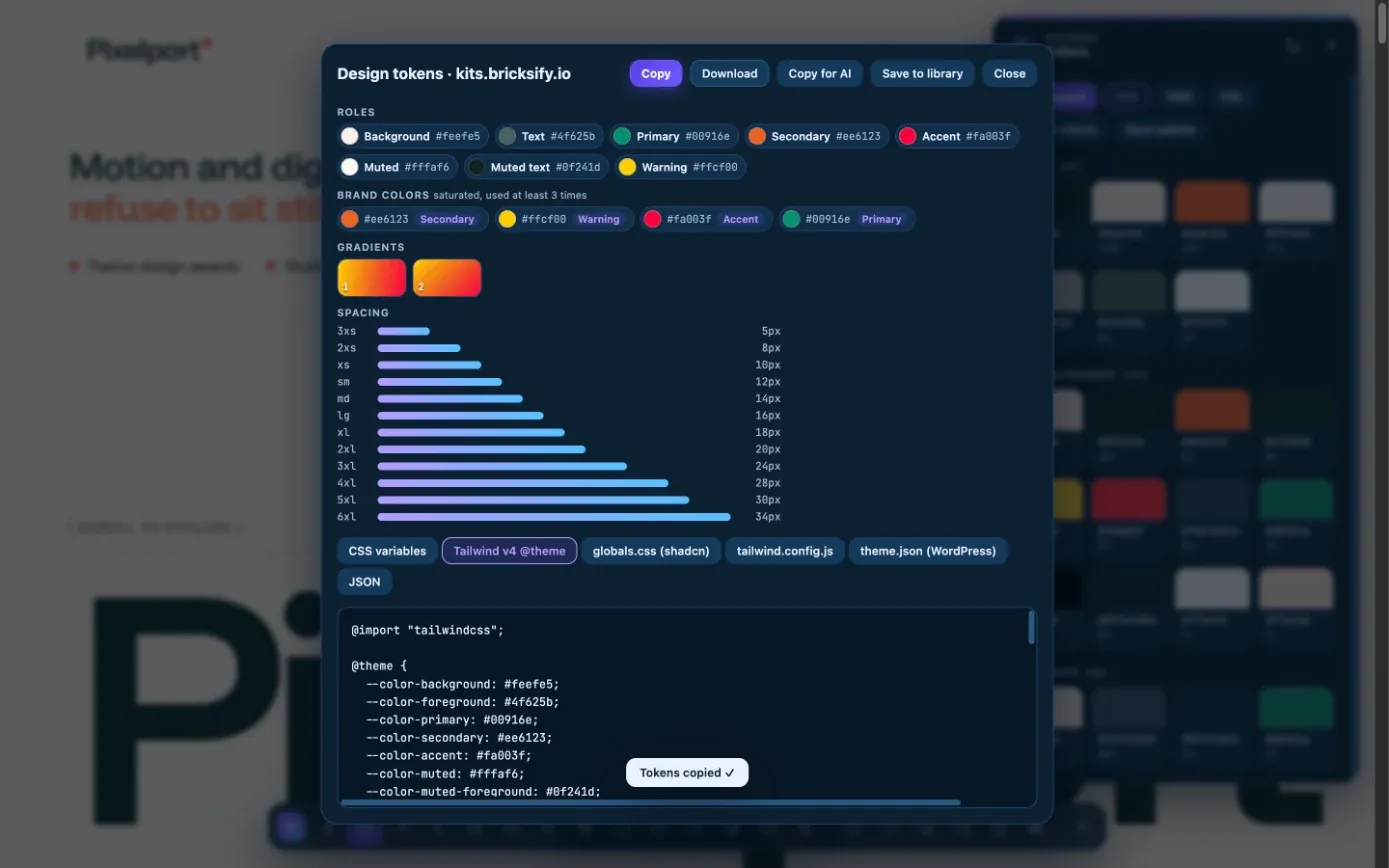
03Export or copy
Export to the format your project uses, copy them for AI, or save them to your library.
What you get
The whole design system, in the format your project uses.
Colors by role
Primary, secondary, accent, success, error, background, text and border, plus brand colors and gradients.
Spacing, type and shape
A spacing scale with 4/8 px grid detection, the type scale, radii, shadows and fonts.
Tailwind and shadcn ready
A Tailwind v4
@theme, atailwind.config.jsor aglobals.cssfor shadcn: a theme from any website in one export.WordPress theme.json
Export a WordPress
theme.json, CSS variables or JSON, or copy the tokens for Claude, ChatGPT or Cursor.
Details
What the design tokens include.
- Colors
- By role (primary, secondary, accent, success, error, background, text, border), brand colors
- Gradients
- Gradients used on the page
- Spacing
- Spacing scale with 4/8 px grid detection
- Typography
- Type scale and fonts
- Shape
- Radii and shadows
- Export formats
- CSS variables, Tailwind v4
@theme,tailwind.config.js,globals.css(shadcn), WordPresstheme.json, JSON - Copy for AI
- The tokens as a brief for your AI tool
- Free and Pro
- Free in every format (view, copy, download, save); Copy for AI is Pro
Questions
Questions about Design tokens.
Can I get a shadcn theme from a website?
Yes. Export the tokens as `globals.css` for shadcn and drop the file into your project.
Does it support Tailwind v3 and v4?
It exports a Tailwind v4 `@theme` and a `tailwind.config.js`, so you can pick the one your project uses.
Can I use the tokens in a WordPress theme?
Yes. Pickode exports a WordPress `theme.json` with the site's colors, spacing and typography.
Is it free?
Yes. Viewing, copying and downloading the tokens in every format is free. Only Copy for AI, which turns them into a brief for your AI tool, is Pro.
Can I keep the tokens for later?
Yes. Save them to your library and, with Pro, sync the library through your own Google Drive.
How do I extract design tokens (colors, fonts, spacing) from a live website?
Open the design tokens tool on the page. Pickode collects colors by role, brand colors, gradients, the spacing scale with 4/8 px grid detection, type sizes, radii, shadows and fonts. Viewing and exporting them is free.
Can I export the tokens as CSS variables or JSON?
Yes, with Pro: CSS variables, Tailwind v4 `@theme`, `tailwind.config.js`, `globals.css` for shadcn, WordPress `theme.json` or JSON. You can also copy them for AI.
Keep exploring
Related features.
Stop rebuilding. Start picking.
Install Pickode, open any site and press Alt+I.
Free · 7-day Pro trial · No account needed