See what makes any page slow, not just the score.
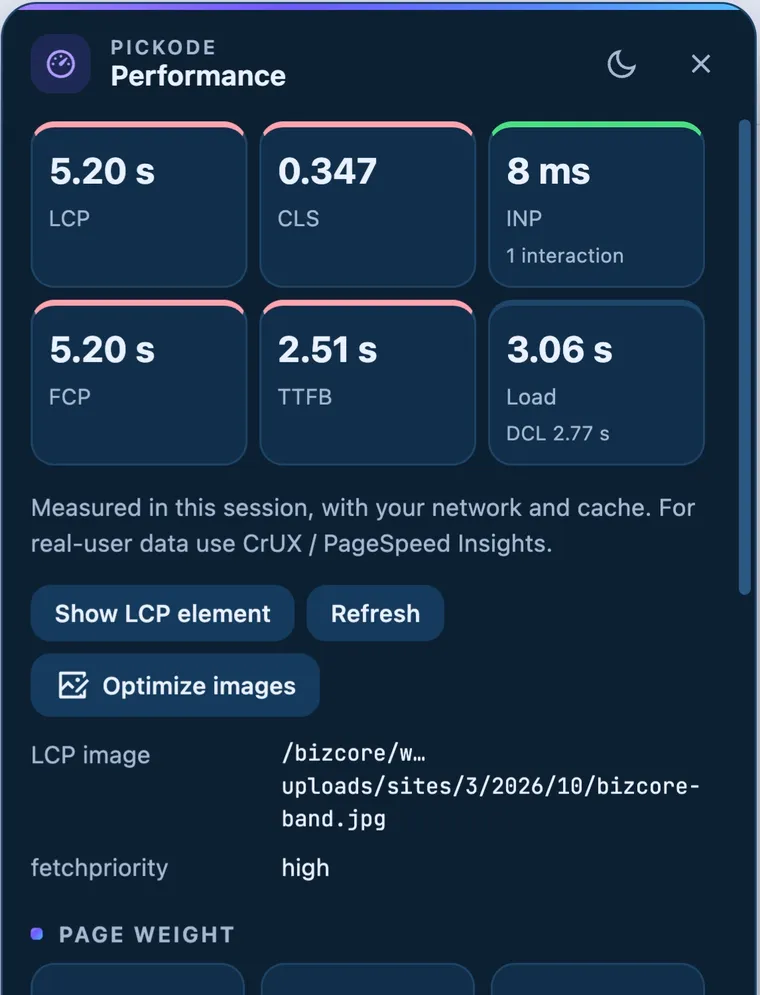
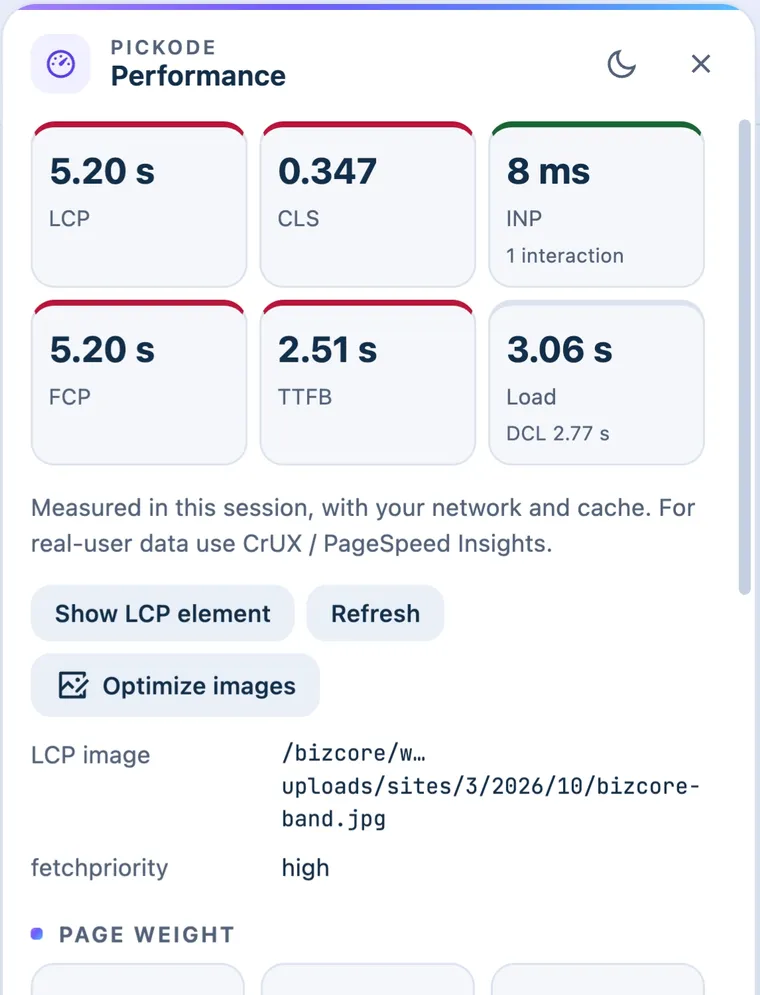
Pickode measures LCP, CLS, INP, FCP and TTFB on the page you're viewing, then points to the causes: the LCP element, render-blocking resources, oversized or non-lazy images, third parties and long tasks.
Free forever · 7-day Pro trial, no card · Chrome, Edge, Brave, Opera, Arc, Comet, Firefox
In short
Pickode is a browser extension that works as a Core Web Vitals checker on any page you open: it shows LCP, CLS, INP, FCP and TTFB right in your browser. It then explains the numbers with the LCP element and its fetchpriority, page weight by type, render-blocking resources, problem images, third parties and long tasks. Scores are free; details and suggestions are Pro.
How it works
Performance in three steps.
 01
01Open the page
Load the page you want to test in your browser. Use Debug's reload without cache if you want a fresh load.
 02
02Open Performance
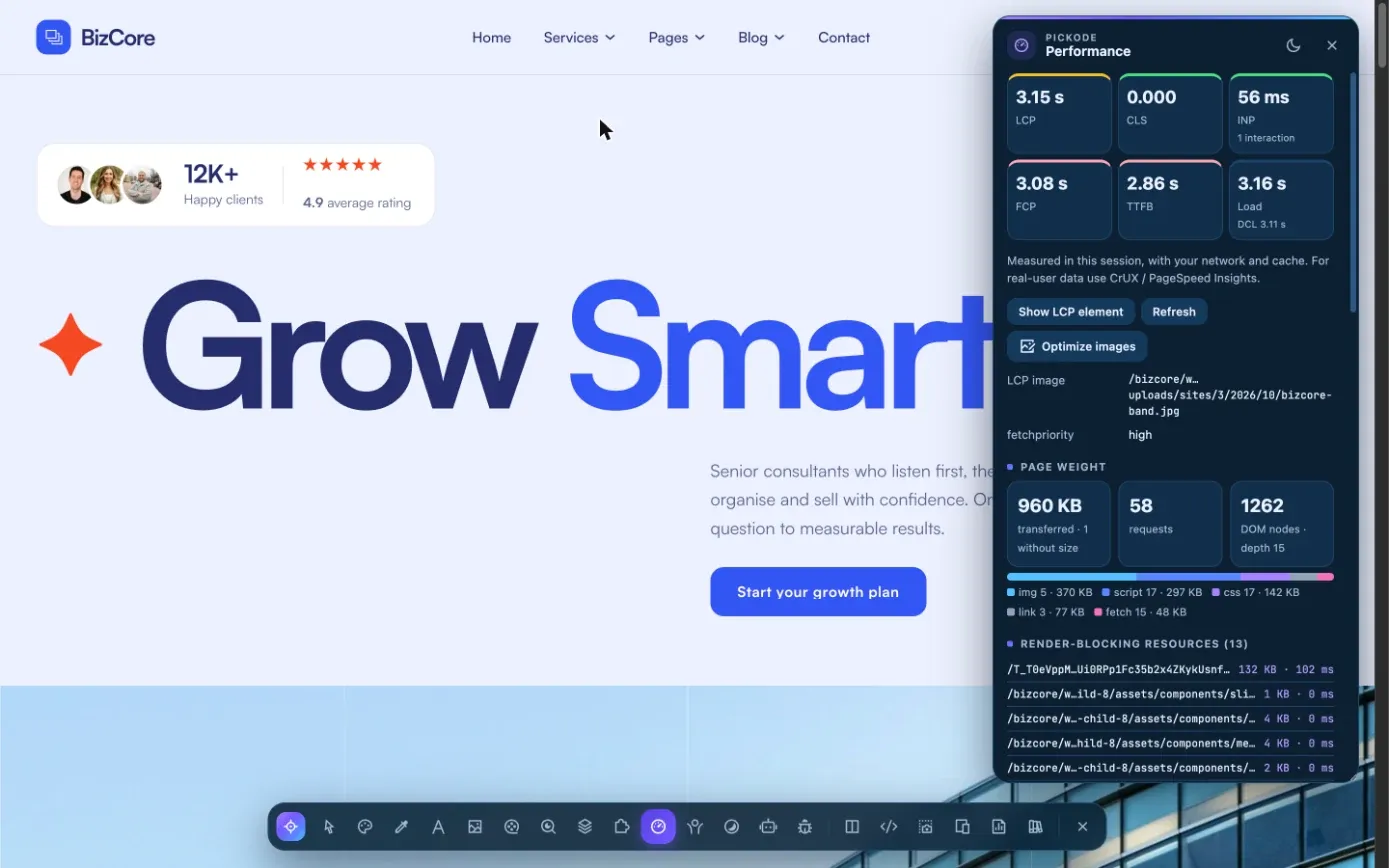
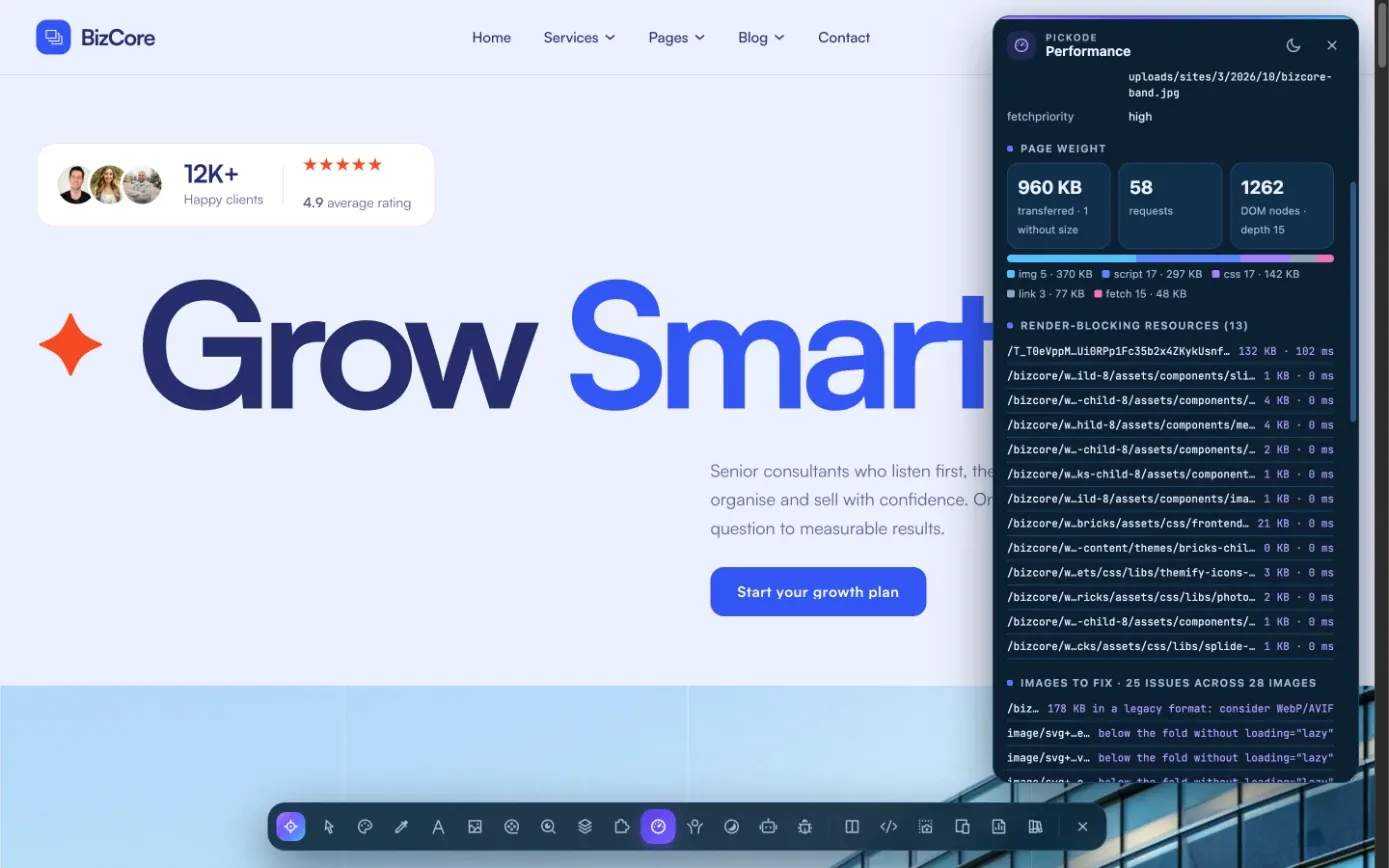
In Pickode's Analyze section, open Performance to see LCP, CLS, INP, FCP and TTFB.
 03
03Fix what matters
With Pro, read the details and suggestions, then add them to a client report with prioritized fixes.
What you get
From the numbers to the causes.
Core Web Vitals and more
LCP, CLS and INP, plus FCP and TTFB, measured on the page as it loads in your browser.
The LCP element
See which element is the LCP and whether it uses fetchpriority.
Problem images
Oversized images, images without lazy loading, without dimensions or in legacy formats.
Weight, blocking and third parties
Page weight by resource type, render-blocking resources, third-party requests and long tasks.
Details
What the Performance panel measures.
- Metrics
- LCP, CLS, INP, FCP, TTFB
- LCP
- LCP element and its fetchpriority
- Page weight
- Weight by resource type
- Blocking
- Render-blocking resources, long tasks
- Images
- Oversized, not lazy-loaded, without dimensions, legacy format
- Third parties
- Third-party resources loaded by the page
- Plan
- Scores free; details and suggestions in Pro
Questions
Questions about Performance.
Which Core Web Vitals does Pickode check?
LCP, CLS and INP, plus FCP and TTFB. It also shows the LCP element and whether it uses fetchpriority.
Is it a page speed Chrome extension only?
No. Pickode runs on Chrome, Edge, Brave, Opera, Arc, Comet and Firefox 140+.
What's free and what's Pro?
The scores are free. Details and suggestions, such as heavy images, render-blocking resources and third parties, are Pro.
Can I fix heavy images with Pickode?
With Pro, Debug's image optimizer converts images to WebP or JPEG (AVIF where the browser can encode it) and resizes them to the displayed size × screen density, all in your browser, with a ZIP to download.
Can I send the results to my client?
Yes, with Pro. Speed is one of the sections of the client report, with fixes ranked by priority.
What are the three Core Web Vitals?
LCP (loading), INP (responsiveness) and CLS (visual stability). Google considers them good at LCP ≤ 2.5 s, INP ≤ 200 ms and CLS ≤ 0.1, measured at the 75th percentile. Pickode shows all three, plus FCP and TTFB.
How do I check if a website is running slowly?
Open the page, then Performance in Pickode's Analyze section. You see the scores right away; with Pro also the detailed causes and suggestions.
Keep exploring
Related features.
Stop rebuilding. Start picking.
Install Pickode, open any site and press Alt+I.
Free · 7-day Pro trial · No account needed