Test any website on 27 devices at once.
See the same page on phones, tablets and desktops side by side. Rotate, zoom, scroll them together and download a framed image of every device.
Free forever · 7-day Pro trial, no card · Chrome, Edge, Brave, Opera, Arc, Comet, Firefox
In short
Pickode is a browser extension with a responsive design tester built in: open Responsive on any website and the page loads on smartphone, tablet and desktop sizes side by side. Choose from 27 devices or a custom size, add dark or silver device frames, rotate, zoom, switch to a mobile user agent and scroll every view together. Three devices are free; all 27, frames, images and replay come with Pro.
How it works
Responsive in three steps.
 01
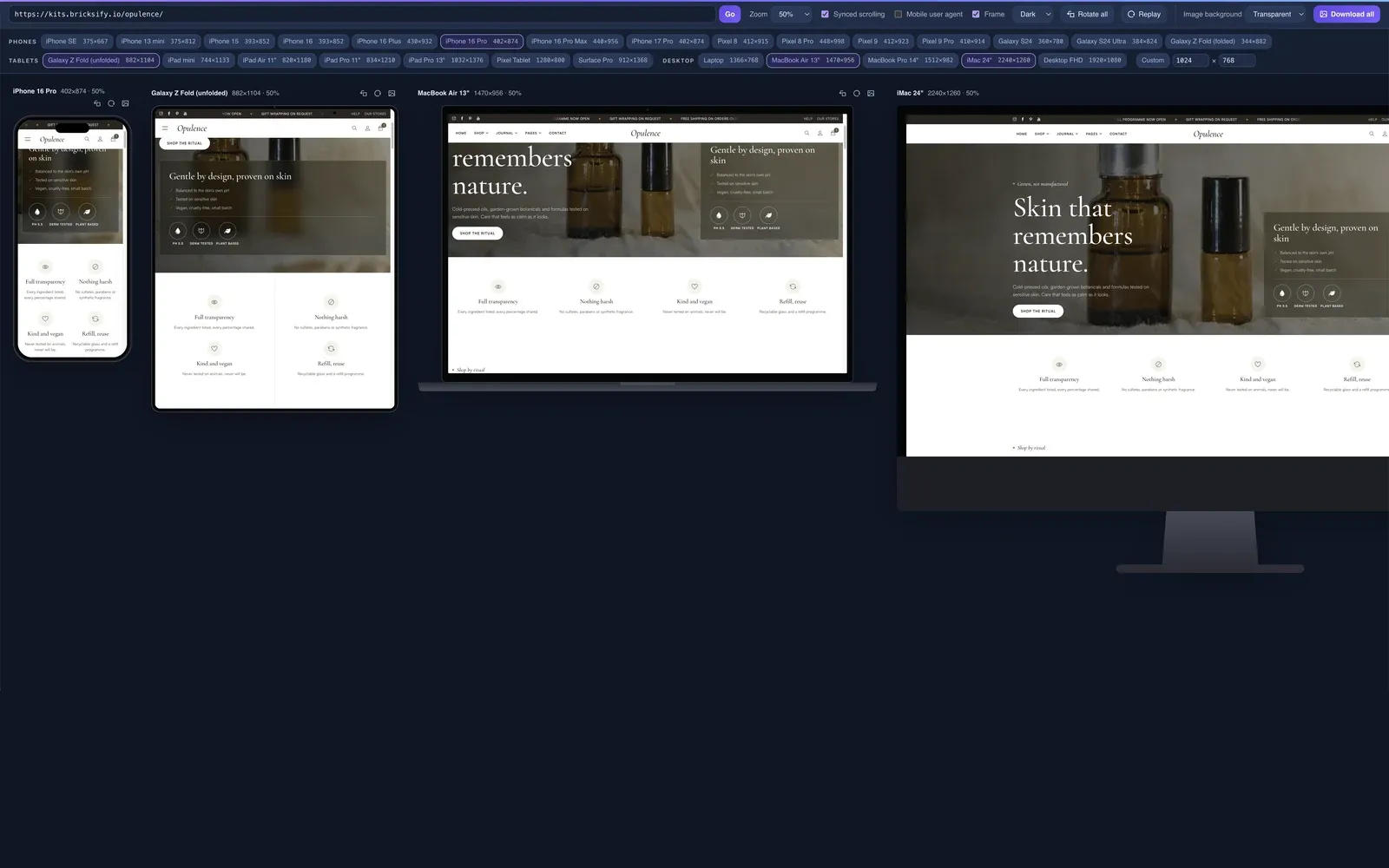
01Open Responsive
Open Pickode on the page you want to test and choose Responsive.
 02
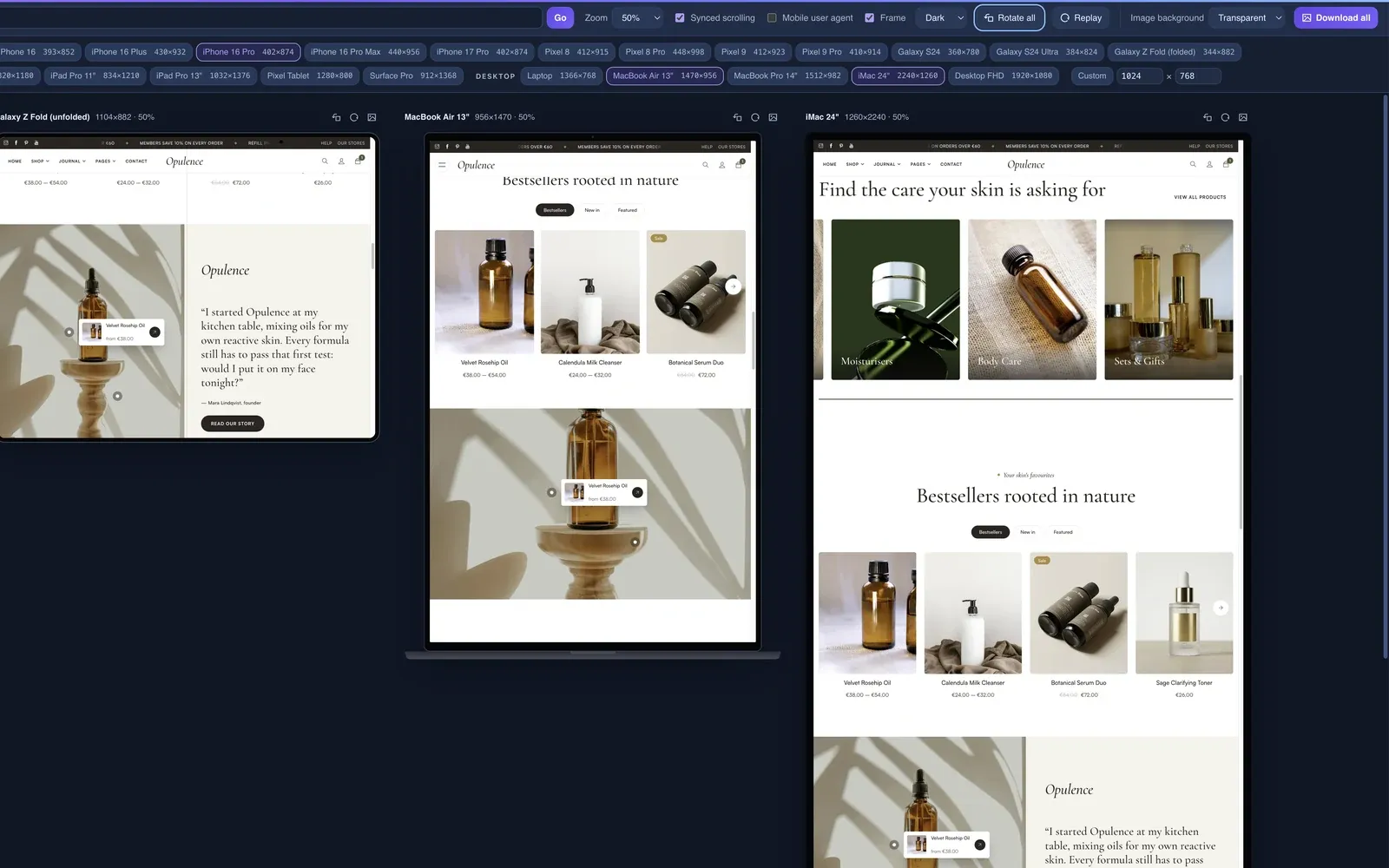
02Pick your devices
Choose smartphones, tablets and desktops from the list or set a custom size. Rotate, zoom or use a mobile user agent.
 03
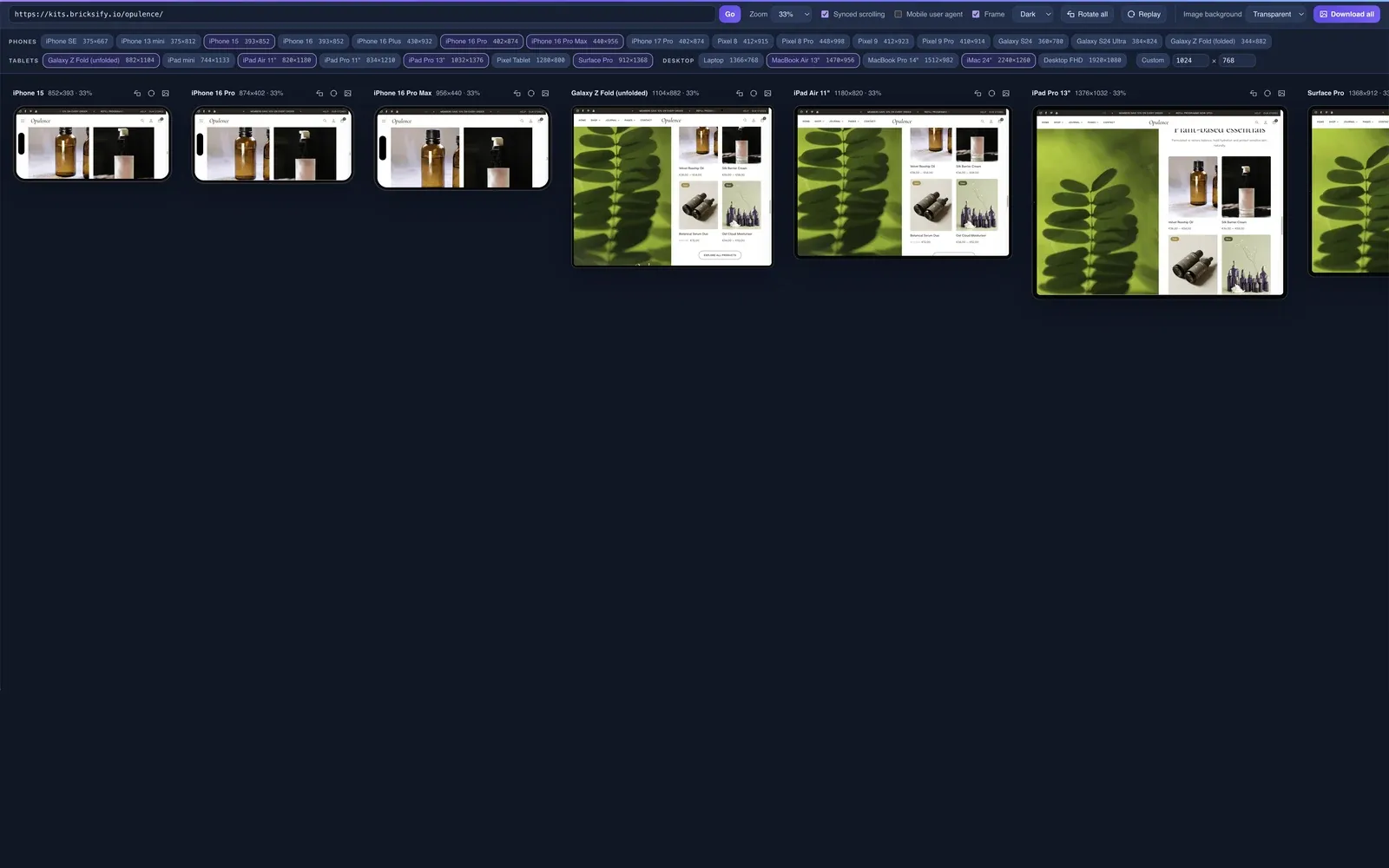
03Compare and download
Scroll all views in sync, then download an image of each device or all of them together.
What you get
A responsive viewer for real checks and client screenshots.
27 devices and custom sizes
Smartphones, tablets and desktops side by side, plus any custom size you need.
Device frames
Dark or silver frames, with rotation and zoom, for images you can show a client.
Synced scroll and replay
Scroll once and every device follows, so you compare the same section everywhere.
Images per device or all at once
Download a framed image of a single device or of all of them together.
Details
What the responsive tester includes.
- Devices
- 27 smartphones, tablets and desktops, plus a custom size
- Frames
- Dark or silver device frames
- Controls
- Rotation, zoom, mobile user agent
- Images
- Download per device or all devices together
- Free
- 3 devices
- Pro
- All 27 devices, frames, images and replay
Questions
Questions about Responsive.
Is the responsive tester free?
Partly. The free version shows 3 devices. Pro unlocks all 27 devices, device frames, image downloads and replay.
Which devices are included?
27 devices across smartphones, tablets and desktops, plus a custom size.
Can I test a page that needs a login?
It may not work: sites with a login may not see your cookies inside Responsive, so you could see the logged-out version.
Can I download screenshots of every device?
Yes, with Pro. Download an image per device or of all devices together, with dark or silver frames.
Does the export preview use the same devices?
Yes. When you export a component, the isolated preview shows it at 375, 768, 1024 and 1280 px and in device frames.
How do I test a website on different screen sizes?
Open Responsive in Pickode and choose devices among smartphones, tablets and desktops, or set a custom size. You can rotate, zoom, use a mobile user agent and scroll every view in sync. Free shows 3 devices; Pro all 27.
What does it mean that a website is responsive?
A responsive website adapts its layout, images and text to the screen width, from phones to desktops, usually with CSS media queries. Pickode's Responsive tool lets you check that on real device sizes.
Is there a responsive checker Chrome extension?
Yes. Responsive is part of the Pickode extension and works in Chrome, Edge, Brave, Opera, Arc, Comet and Firefox 140+, on the page you're already viewing.
Keep exploring
Related features.
Stop rebuilding. Start picking.
Install Pickode, open any site and press Alt+I.
Free · 7-day Pro trial · No account needed