Save components to a library that stays yours.
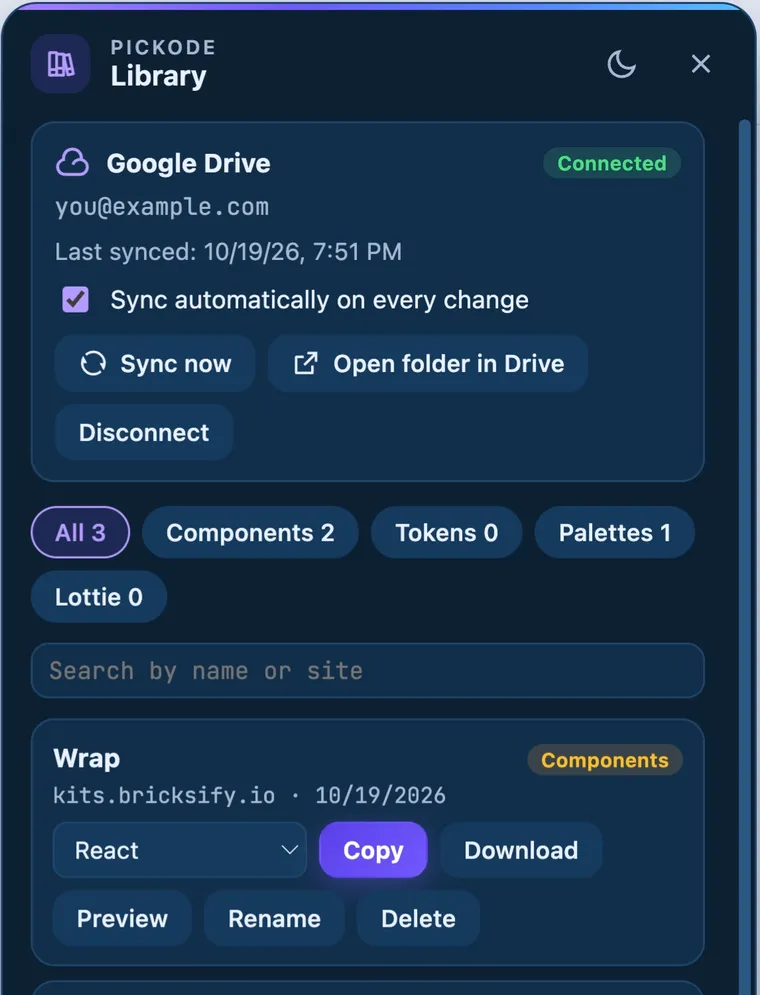
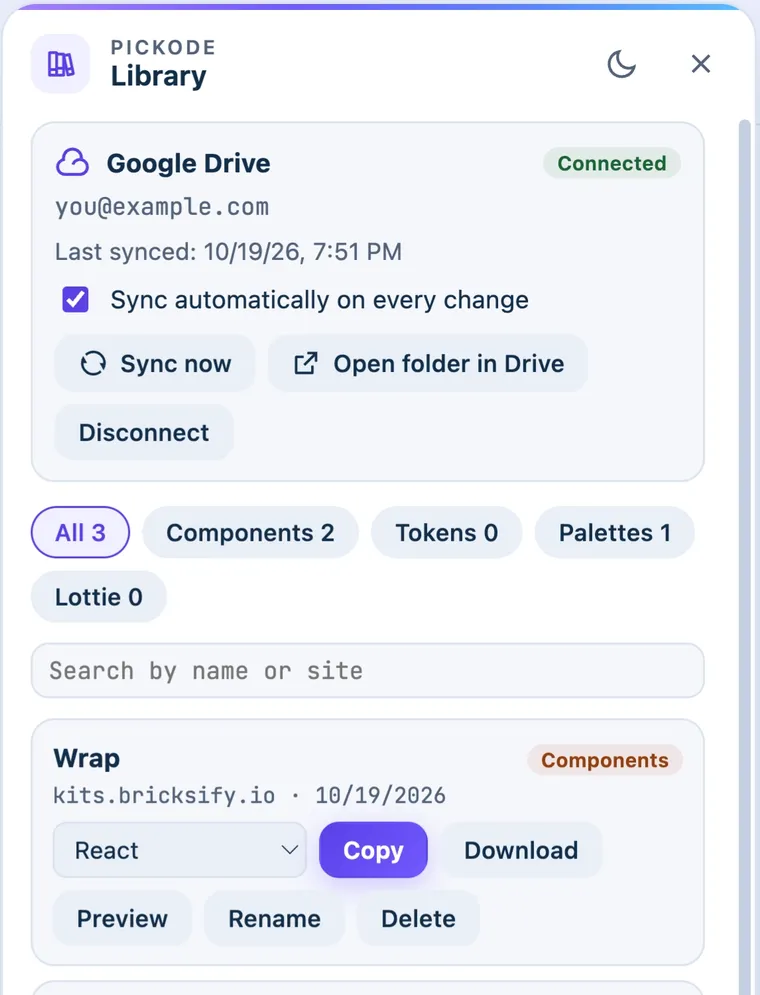
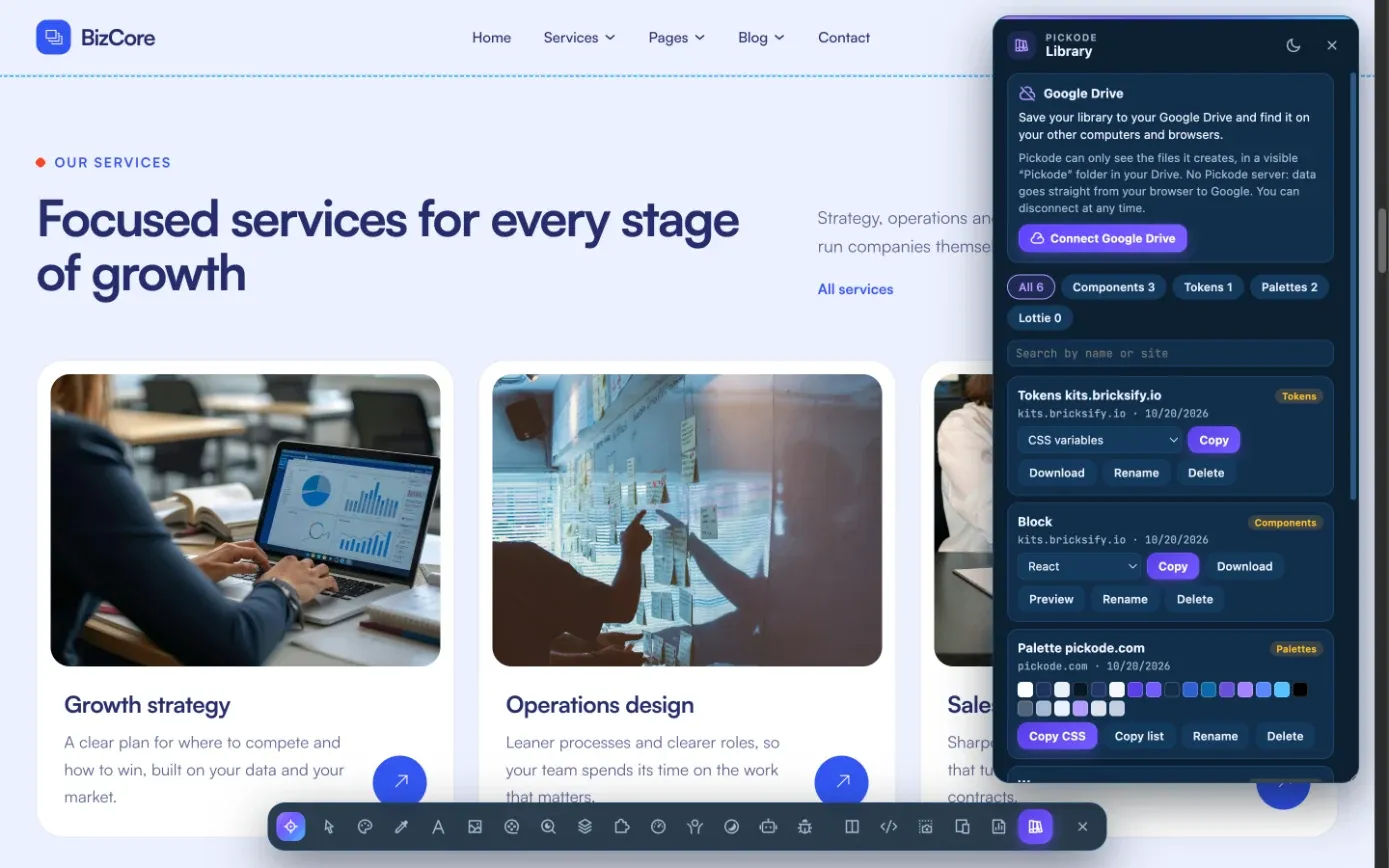
Keep the components, design tokens, palettes and Lottie animations you find in one library, and sync it through your own Google Drive — no Pickode account, no Pickode server.
Free forever · 7-day Pro trial, no card · Chrome, Edge, Brave, Opera, Arc, Comet, Firefox
In short
Pickode is a browser extension that lets you save website components to a library: components, design tokens, color palettes and Lottie animations, stored in your browser with search, rename, preview and JSON export/import. With Pro you can sync the library through your own Google Drive: one JSON file per item in a visible "Pickode" folder, using only Google's drive.file permission and no Pickode server.
How it works
Library in three steps.
 01
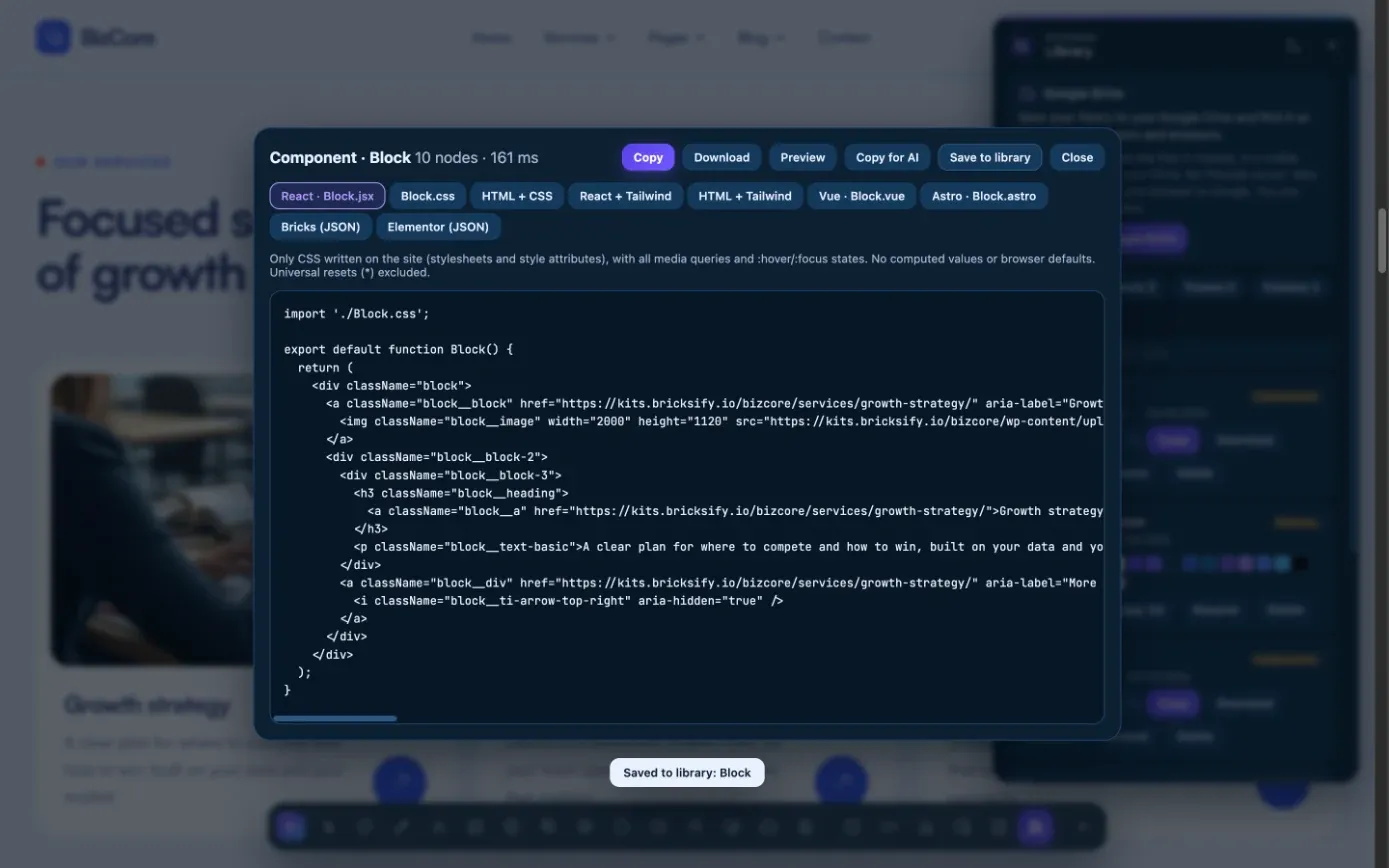
01Save what you find
Save a component, a set of design tokens, a palette or a Lottie animation to your library from Pickode.
 02
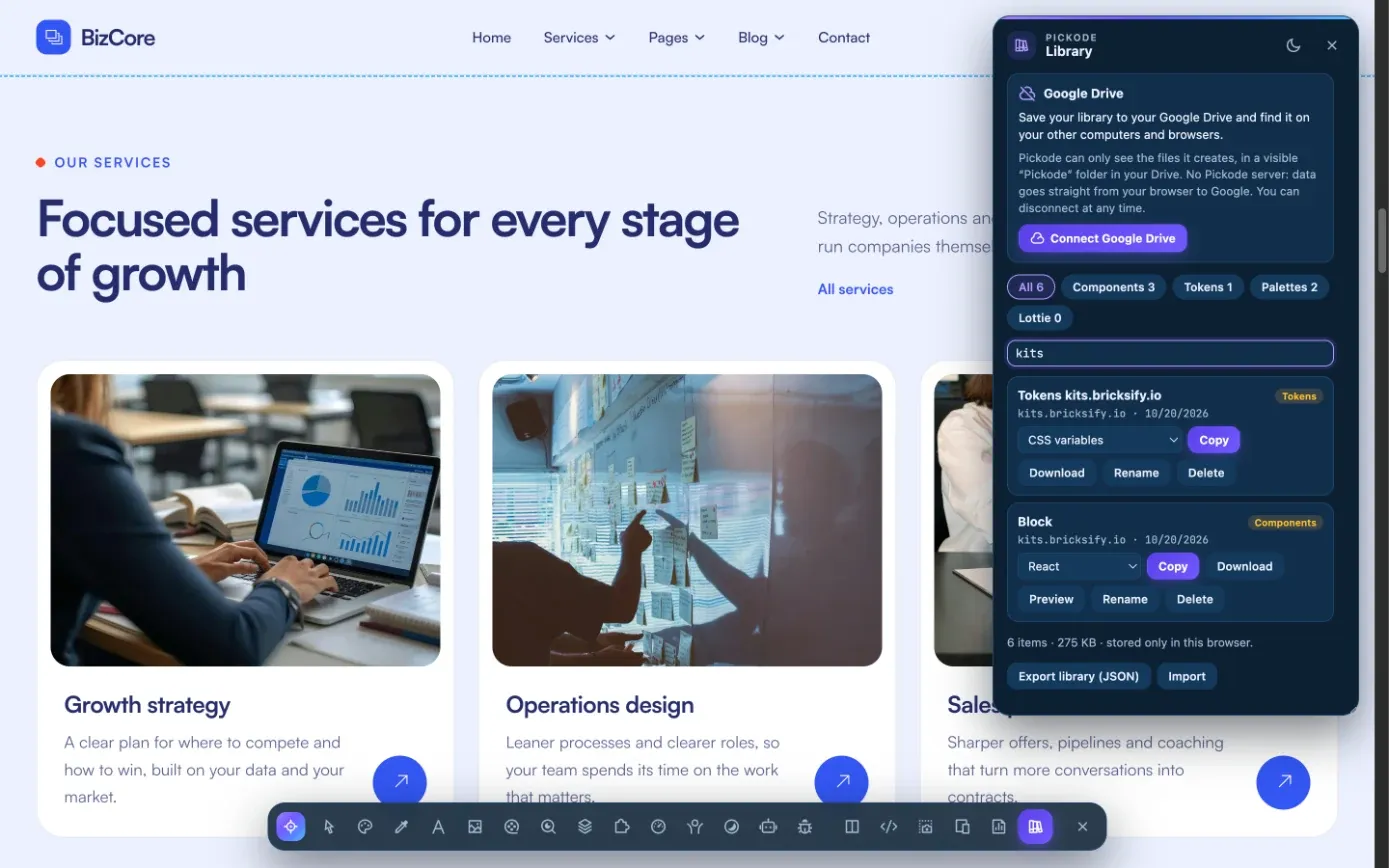
02Find it again
Search, rename and preview everything in the library, or export and import it as JSON.
 03
03Sync to your Drive
With Pro, connect Google Drive and the library syncs automatically after every change.
What you get
Your saved work, in your browser and your Drive.
Everything in one place
Components, design tokens, palettes and Lottie animations, with search, rename and preview.
Google Drive sync
One JSON file per item in a visible Pickode folder, merged by modification date, with deletions carried across.
No Pickode server
Sign-in happens from your browser and uses only
drive.file: Pickode sees only the files it creates.Export and import JSON
Move the library between browsers or keep a backup as a JSON file.
Details
How the library and Drive sync work.
- What you can save
- Components, design tokens, palettes, Lottie animations
- Tools
- Search, rename, preview, export/import JSON
- Storage
- In your browser
- Drive sync
- One JSON file per item in a visible Pickode folder in your own Google Drive
- Permission
- Google's
drive.filescope only; sign-in from the browser, no Pickode server - Sync rules
- Merge by modification date, deletions propagated, automatic sync after every change
- Disconnect
- Revokes access and leaves your files in your Drive
- Free and Pro
- 10 items on Free; unlimited items and Google Drive sync with Pro
Questions
Questions about Library.
Can Pickode read my Google Drive?
No. It uses Google's `drive.file` permission, which only covers the files Pickode itself creates in a visible "Pickode" folder. Nothing passes through our servers, and you can disconnect anytime.
Do I need a Pickode account?
No. The library lives in your browser, and Drive sync goes straight from your browser to your own Drive.
What happens if I disconnect Google Drive?
Pickode's access is revoked and the files stay in your Drive.
How many items can I save?
Up to 10 on Free. Pro makes the library unlimited and adds Google Drive sync.
Do you collect my browsing data?
No. Everything runs in your browser. If you turn on Google Drive sync, your library goes straight from your browser to your own Drive.
Keep exploring
Related features.
Stop rebuilding. Start picking.
Install Pickode, open any site and press Alt+I.
Free · 7-day Pro trial · No account needed